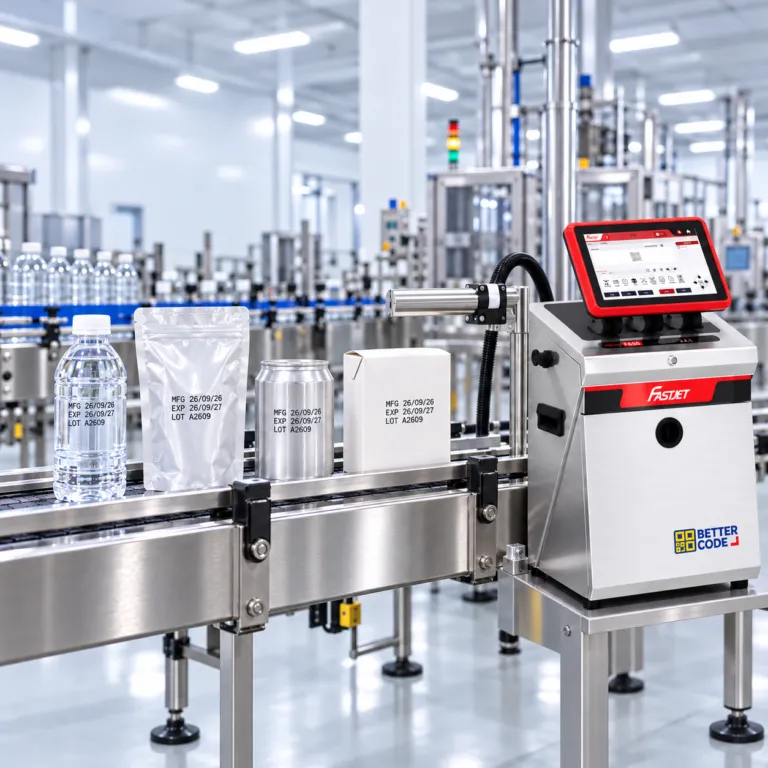
Industrial Date Coding Printer: 7 Checks Before You Buy

Let the test results guide your purchase
Before buying an industrial date coder, test seven areas on real products: readability, drying and adhesion, line speed, installation, factory conditions, changeovers and total cost. Use the intended message, ink and production conditions. Agree acceptance criteria with QC before placing an order; a demonstration image or brochure maximum is not enough.
Why test a date coding printer before buying?
A manufacturing-date, expiry-date and lot coder has to work with your packaging and line. A clean demonstration can behave differently on wet surfaces, coated cartons, varying speeds or a short time before contact. Testing helps identify whether the constraint is the technology, ink, mounting position or product handling before you commit.
Start with material samples, line photographs, the intended message, line count, normal/maximum speed and downstream processing. Compare CIJ, TIJ and laser coders using the same test conditions.
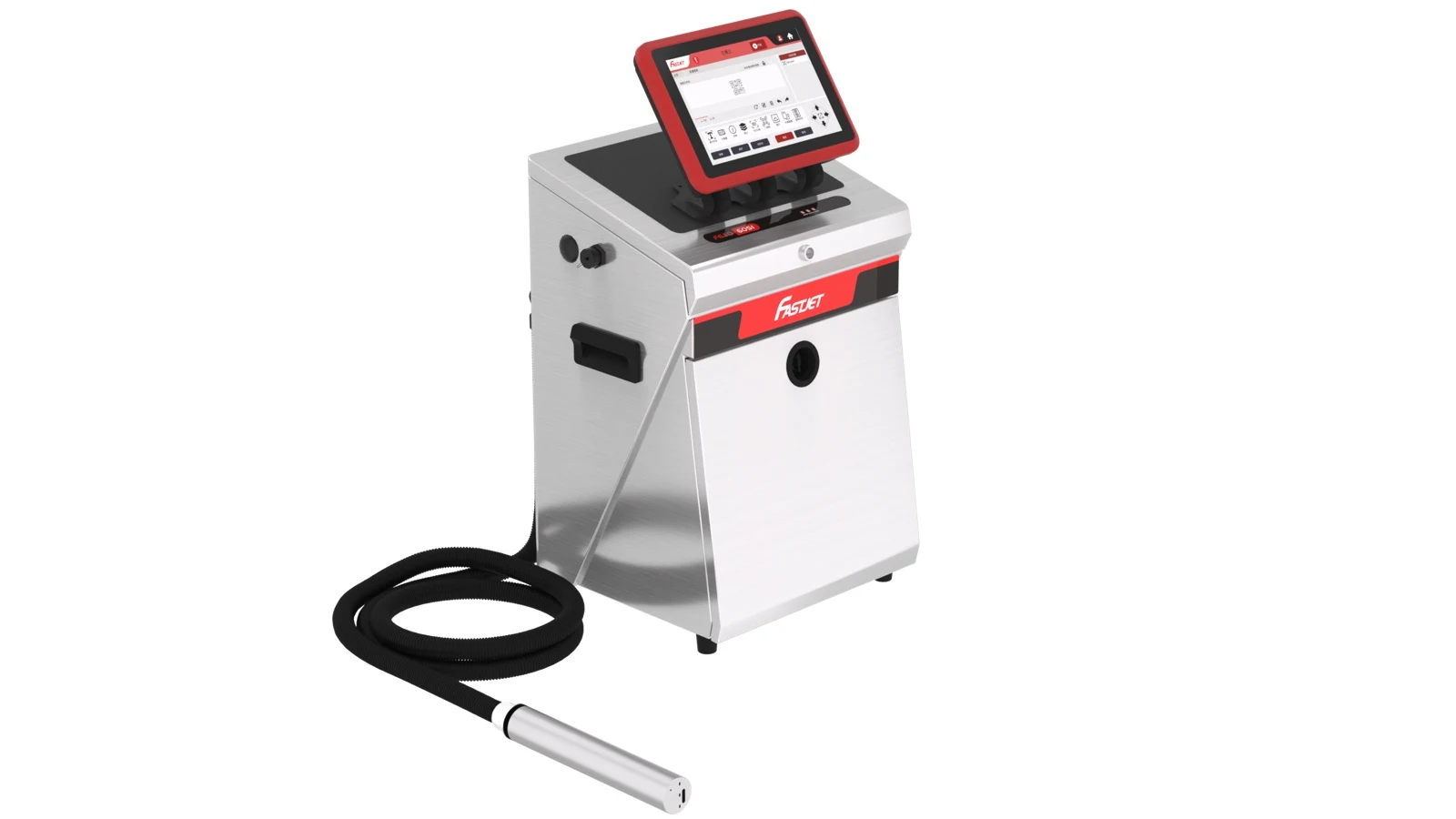
Seven pre-purchase checks on real products
Code readability and message accuracy
Print the message you will actually use: MFG, EXP and LOT, with the intended character size, date format and number of lines. Read the code where it will be inspected. Use the required reader or vision system if it is part of your process. One successful phone scan does not prove that a QR code meets a customer’s code-quality requirement.
Keep a record: Record the message, character size, line count, close-up photographs and the QC acceptance criteria.
Drying time and adhesion
Use production-equivalent material, including its coating. Check whether the code dries before the next contact point, roller, packing or stacking operation. Agree rub, moisture or cold-storage checks with QC to reflect the product’s life. A universal waiting time or rub count is not appropriate for every material.
Keep a record: Record the ink identifier or technology, time before contact, test method and before/after photographs.
Line speed and product spacing
Run the complete message at normal speed, the fastest required operating speed and relevant acceleration, slowdown or stop/restart conditions. A brochure maximum may use a different font or number of lines. Check missing codes, double prints and position changes when product gaps vary.
Keep a record: Record conveyor speed in m/min, throughput in products/min, product spacing and the actual sample count.
Printhead position and installation
Test the intended side, top or base position. Check working distance, bracket space, vibration, curved surfaces and the risk of product contact. Include the trigger sensor and encoder where the system requires them. Do not apply a CIJ working distance to a TIJ or laser system.
Keep a record: Keep a wide-view installation photograph, measured distances, sensor position and changeover adjustment points.
Factory conditions and downstream processing
Use products that have passed through the real process, such as cold filling, washing or air drying. If the package enters cold storage or meets moisture, inspect the code after that stage. A dry demonstration sample alone is insufficient. For laser systems, assess the mark, package integrity, guarding and fume extraction as part of the proposed installation.
Keep a record: Record temperature, humidity, surface condition and when the code was inspected after processing.
Changeovers, dates and restart behaviour
Ask an operator to select a job, change the lot, check expiry-date logic and switch product sizes. Review editing permissions and job approval where supported. Test date rollover in a controlled test setup and restore the correct settings before production. Follow the model’s instructions when testing restart after an idle period.
Keep a record: Record changeover steps, measured time, message approval and any operating limitations.
Total cost and support terms
Compare the coder, installation, ink, make-up or cartridges as applicable, cleaning fluids, parts, maintenance and downtime. A laser has no ink cost, but electricity, extraction, filters and servicing still matter. Obtain training, warranty, response-time and travel terms in writing. A response-time commitment is not a repair-completion guarantee.
Keep a record: Request an itemised quotation, exclusions and the production-volume assumptions used in cost estimates.
Use real code examples to define your application
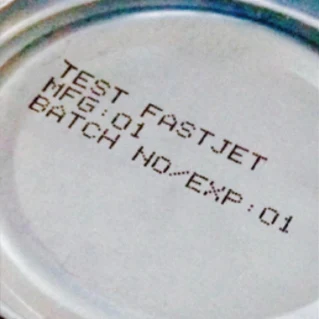
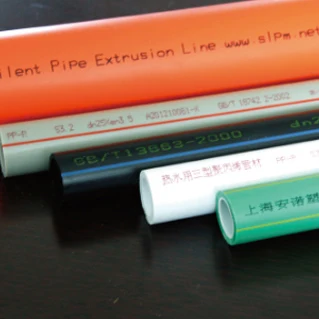
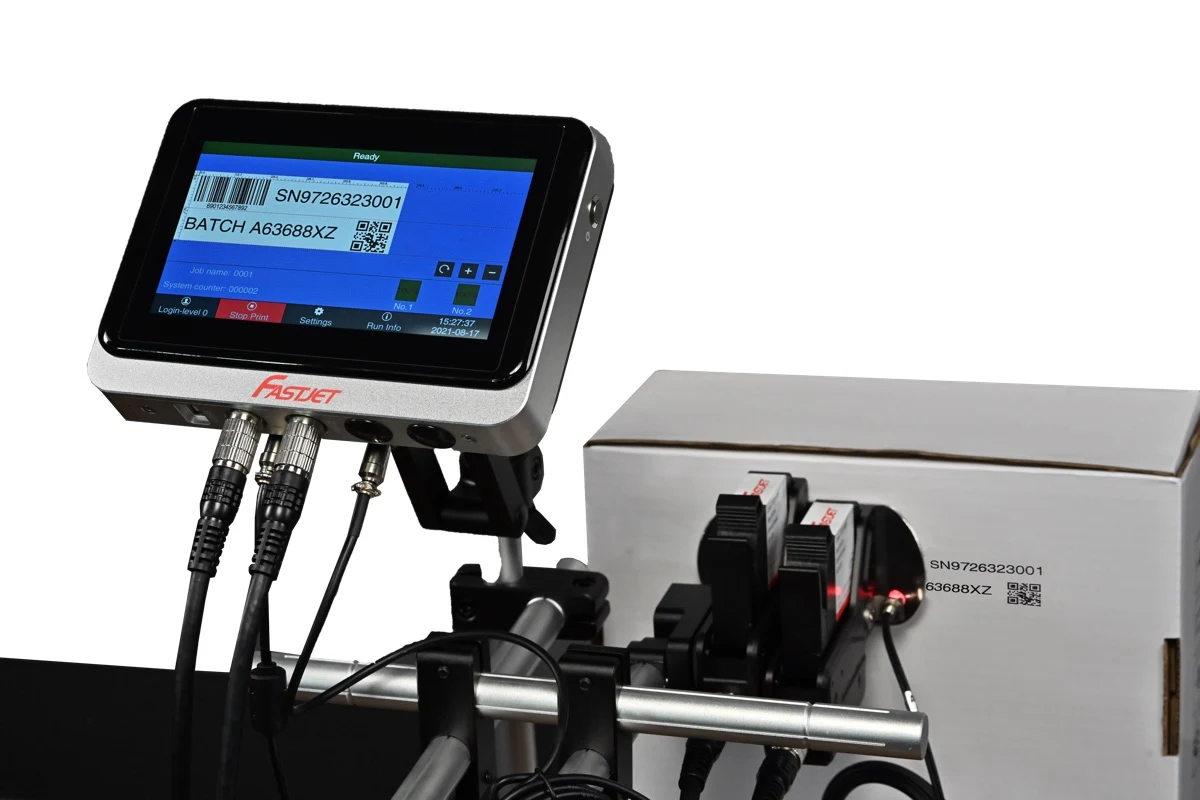
What should you focus on for CIJ, TIJ and laser?
| Technology | Test focus | Do not rely on |
|---|---|---|
| CIJ | Ink/substrate match, drying, working distance, start/stop behaviour and ink/make-up cost | Maximum speed without its font and line-count conditions |
| TIJ | Close working distance, surface flatness, ink match and restart after idle as instructed | Paper print resolution as proof of coated-film performance |
| Laser | Contrast, marking effect, package integrity, speed, guarding and extraction | Assuming no ink means no servicing cost |
Pre-purchase test record
Copy this table for your supplier and QC team. Fill in acceptance criteria before the trial, then record measured results and supporting photographs or video. Do not pre-fill a pass result.
| Item | Agreed details / criteria | Actual result / evidence |
|---|---|---|
| Product and surface | Material, colour, coating and condition before coding | Complete after the test |
| Coder and ink | Model, ink identifier, settings and mounting position | Complete after the test |
| Message | Date format, lot, font and line count | Complete after the test |
| Line run | Speed, spacing, sample count and trial duration | Complete after the test |
| Code durability | Reading method, waiting time, rub test and downstream steps | Complete after the test |
| Changeover | Steps, restart time and approval | Complete after the test |
| Sign-off | Recorder, date and acceptance reviewer | Complete after the test |
Frequently asked pre-purchase questions
What should I send for a date coder trial?
Send real products, material/coating details, the full message and print size, line speeds, mounting photographs and downstream conditions such as humidity or cold storage.
Is a clear supplier print photograph enough?
No. Establish the model, ink, material, speed and settings used, then test your own application against agreed QC criteria.
Should I choose CIJ, TIJ or laser first?
Start with material, message, speed and installation constraints. Shortlist suitable technologies and test them rather than choosing solely by technology name or machine price.
Do I need a camera to inspect barcodes?
Assess an in-line reading/inspection system if every code must be checked or rejected. Reading a code and verifying its quality grade are different tasks; agree the requirement with your customer or QC team.
Start with your product, then choose the coder
Send Better Code your product photographs, material, message and line speed. Ask about suitable technologies, inks and trial arrangements for your application.
Discuss your coding application ↗Talk to us on LINE ↗