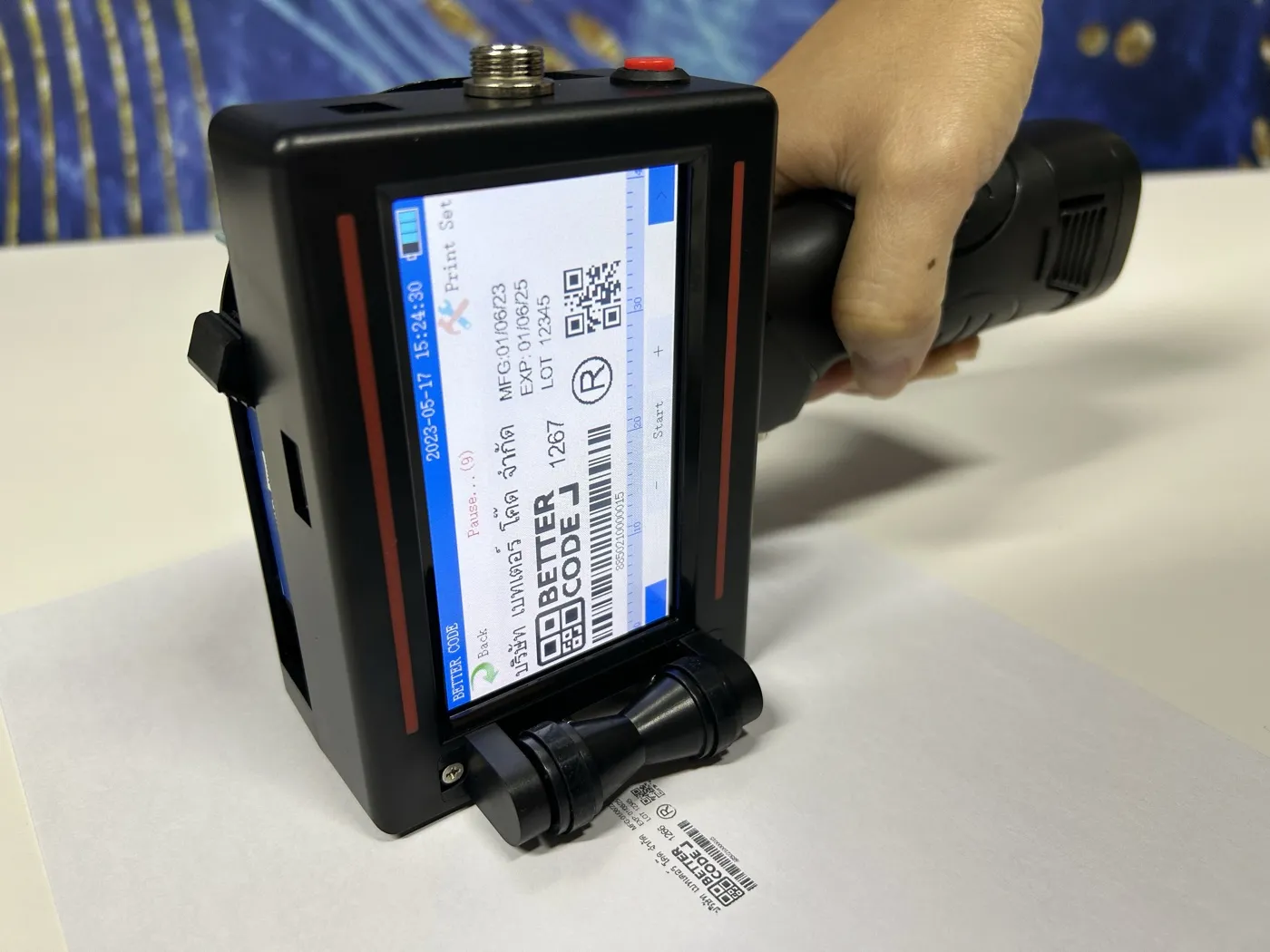
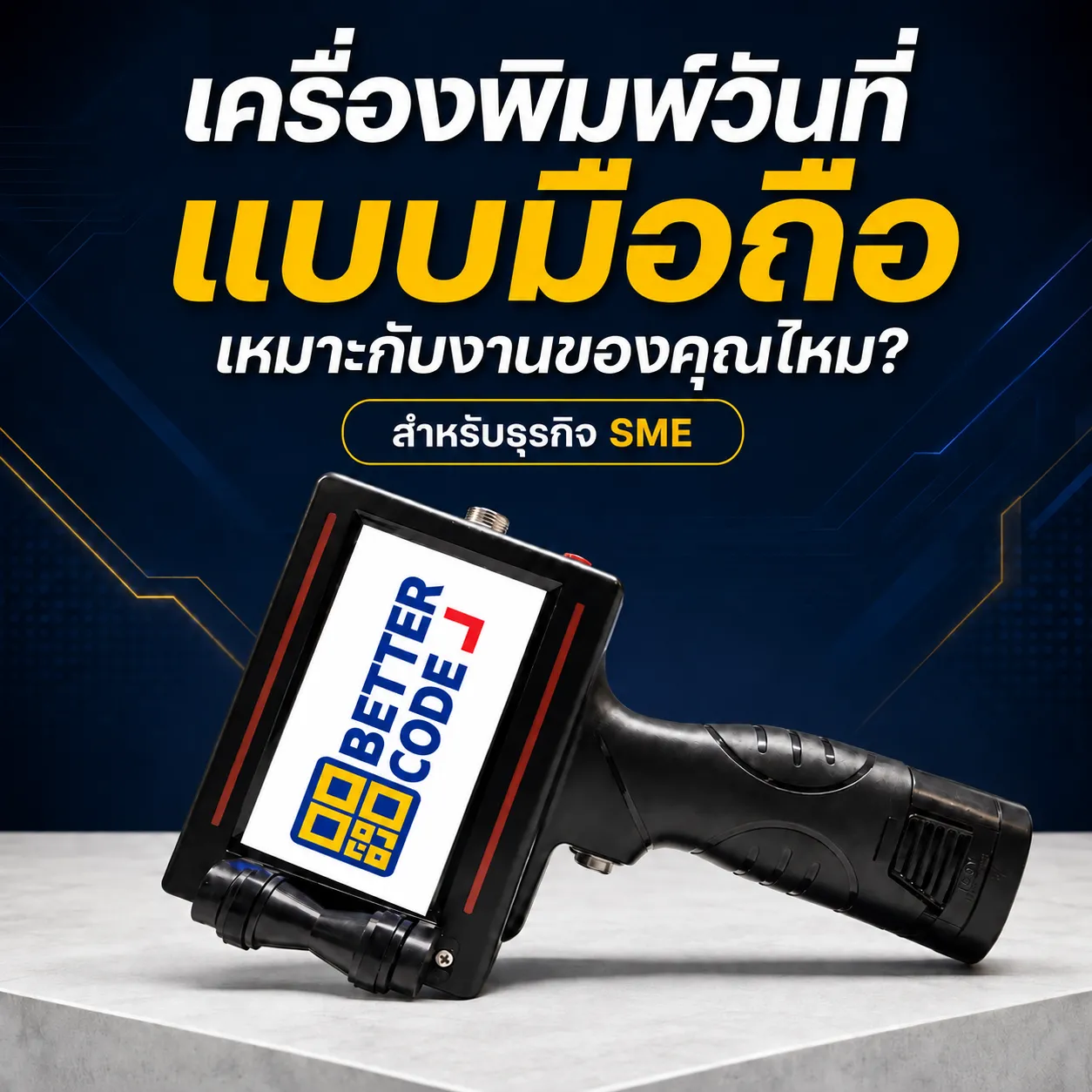
Handheld date coding for SMEs
Handheld Thermal Inkjet (TIJ) printers code manufacturing dates, expiry dates, lot numbers, text, barcodes and QR codes on products and packaging. They suit work where the printer moves to the product or print locations change frequently.
Convenient coding on cartons and packaging
Use on cartons, labels and packaging with suitable ink. Test adhesion, clarity and print position on actual products before use.
- For batch production and SMEs
- Set messages through the model’s display.
- Change dates and lot numbers between production jobs.
- Select ink for the material and operating conditions.
Match the printer to your workflow
For a fixed printhead coding cartons or films continuously on a conveyor, explore FASTJET F3500 Series F3511 and F3541 and have Better Code assess the mounting arrangement with your product.
For detailed model information, see S510 handheld printer for batch work, or the S500 conveyor package for businesses starting a small line. Read How to choose a handheld date printer
Which jobs suit handheld date coding?
- Batch work and frequent message changes — Change dates or lot numbers between batches. Have an operator check and approve the message before each run.
- Bring the printer to the product — For products at different locations or items that are difficult to move to a fixed printer.
- Start with smaller jobs — If a complete conveyor is not yet needed, consider total cost including equipment, ink, operator time and rework.
Handheld, conveyor-package TIJ or CIJ—which should you choose?
Quick answer: start with handheld for batch work and frequent location changes. For continuous coding paced to production, assess a conveyor-mounted system.
| Option | Suitable applications | What to consider |
|---|---|---|
| Handheld TIJ printers | Batch work, frequent location changes and accessible print positions | The operator moves the printer by hand; consistency depends on handling and movement |
| S500 package (handheld + conveyor) | Start with handheld use, then mount with a conveyor and sensor for automatic triggering | Requires conveyor space and consistent product alignment |
| Fixed F3500 Series TIJ | Continuous carton or film coding on a conveyor (F3511 / F3541) | Have the mounting arrangement assessed with the actual product |
| CIJ FASTJET F650 / F640 | Continuous, high-speed lines and curved surfaces such as bottles, cans and bags | Non-contact inkjet coding; ink and solvent management is required |
Five checks before you buy
- Material and surface Send actual samples, including coatings, folds or curves at the print position.
- Message and dimensions Specify line count, character height and print area.
- Ink and operating conditions Check drying, adhesion and resistance under the product’s real conditions.
- Operating method Let the operator handle and move the printer, and assess time per product.
- Print result after use Check clarity, smudging and barcode or QR readability where required.
Read the full guide: Handheld date printers for SMEs: choosing for your application
Frequently asked questions
How does handheld coding differ from conveyor-mounted printing?
Handheld printers are moved across the product by the operator, suiting batches or frequent location changes. Conveyor systems move products past a fixed printhead for continuous coding. For a small conveyor package, see S500 conveyor package For continuous production lines, see FASTJET CIJ date coding printers
What can a handheld date printer print?
Manufacturing dates, expiry dates, lot numbers, text, barcodes and QR codes on products and packaging. For barcodes and QR codes, test the code size and readability with the actual downstream reader.
Which materials can it print on?
Cartons, labels and packaging with compatible ink. Plastic bags, bottles, curved or glossy surfaces require testing with the actual material and ink. Material names alone do not confirm suitability.
Can a handheld printer be connected to a conveyor?
Not every model. Check operating modes, mounting points and trigger inputs first. For handheld and conveyor operation, explore the S500 date coding package with printer stand, product sensor and conveyor.
What information is needed for a handheld printer quotation?
Send product photos, material, print content, print-area dimensions, daily quantity and completion-time requirements so we can recommend equipment and ink.
Can I test my actual product before buying?
Yes. Contact Better Code to discuss the application and arrange testing. Send actual packaging and messages; our team will explain the testing approach and conditions.
Test before selecting your printer
Send product photos, print content and volume to Better Code for model and ink recommendations, with after-sales support.
Ask on LINE @bettercode Or call +66 2 170 9611 / +66 92 238 8777 / +66 94 490 0009