Industrial coding for extrusion, pipes, cables and components
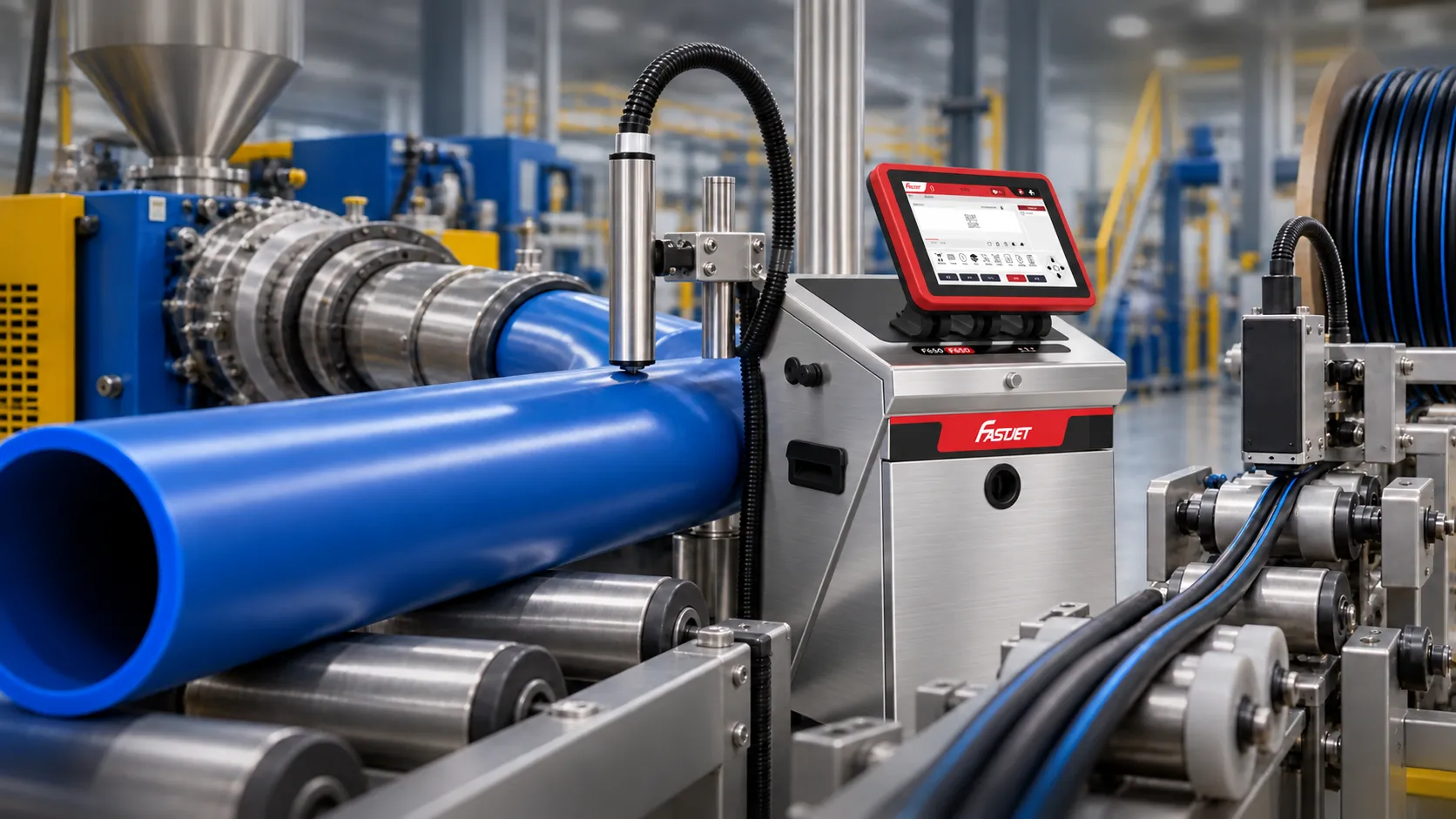
Print text, dates, lot numbers, dimensions and codes on pipes, cables, plastic profiles and continuously produced components, with printhead positioning suited to the application.
The short answer
CIJ is often the starting point for extrusion because it prints without contact on continuously moving products. Match the ink to the plastic, text height and surface. Compare laser where permanent coding is needed.
What to consider
These details help match the printer, ink, printhead, laser and inspection equipment to your application.
Material type
Plastic formulations and pipe or cable surfaces affect ink adhesion and laser marking.
Message dimensions
Define character height, line count, spacing and repeat intervals along the product length.
Product handling
Control printhead distance, sensing and product vibration to maintain consistent print position.
Technologies to test
Coding continuously moving products must be assessed against the material, mounting position and actual environment.
Continuously produced pipes, cables and components
Test ink, text height and production speed
Test actual samples before choosingPlastics requiring permanent, ink-free codes
Test contrast and effects on the actual surface
Test actual samples before choosingControl print distance and timing
Check speed signals and product position
Test actual samples before choosingIntegrate with conveyors and cutting systems
Design brackets, protection and signal connections
Test actual samples before choosingTest under realistic production conditions
Good samples cover the actual materials, colours, messages and speeds, revealing limitations before investment.
Frequently asked questions
Practical answers to help you prepare for a discussion with our engineers.
Can I print on continuously moving pipes or cables?
Yes, using CIJ with a sensor or encoder appropriate to the application. Keep printhead distance and speed consistent.
How do the F650 and F640 differ for this application?
Choose based on line count, matrix height, required functions and installation. The F650 supports up to a 34-dot matrix; test the actual message at the required line speed before selecting.
What information should I send for testing?
Send pipe or cable samples, material type, surface colour, diameter, speed, message and repeat spacing to reproduce actual printing conditions.
Choosing a system with Better Code
Send your sample
Specify the material, message, position and line speed.
Test and compare
Assess clarity, adhesion, readability and limitations.
Installation and support
Select equipment, install, train operators and plan maintenance.
Let Better Code assess your samples
Send product photos, material details, print data and production speed so we can select and test the right technology.