Date Code Inspection Cameras: How OCR Checks Expiry Dates and Lot Codes
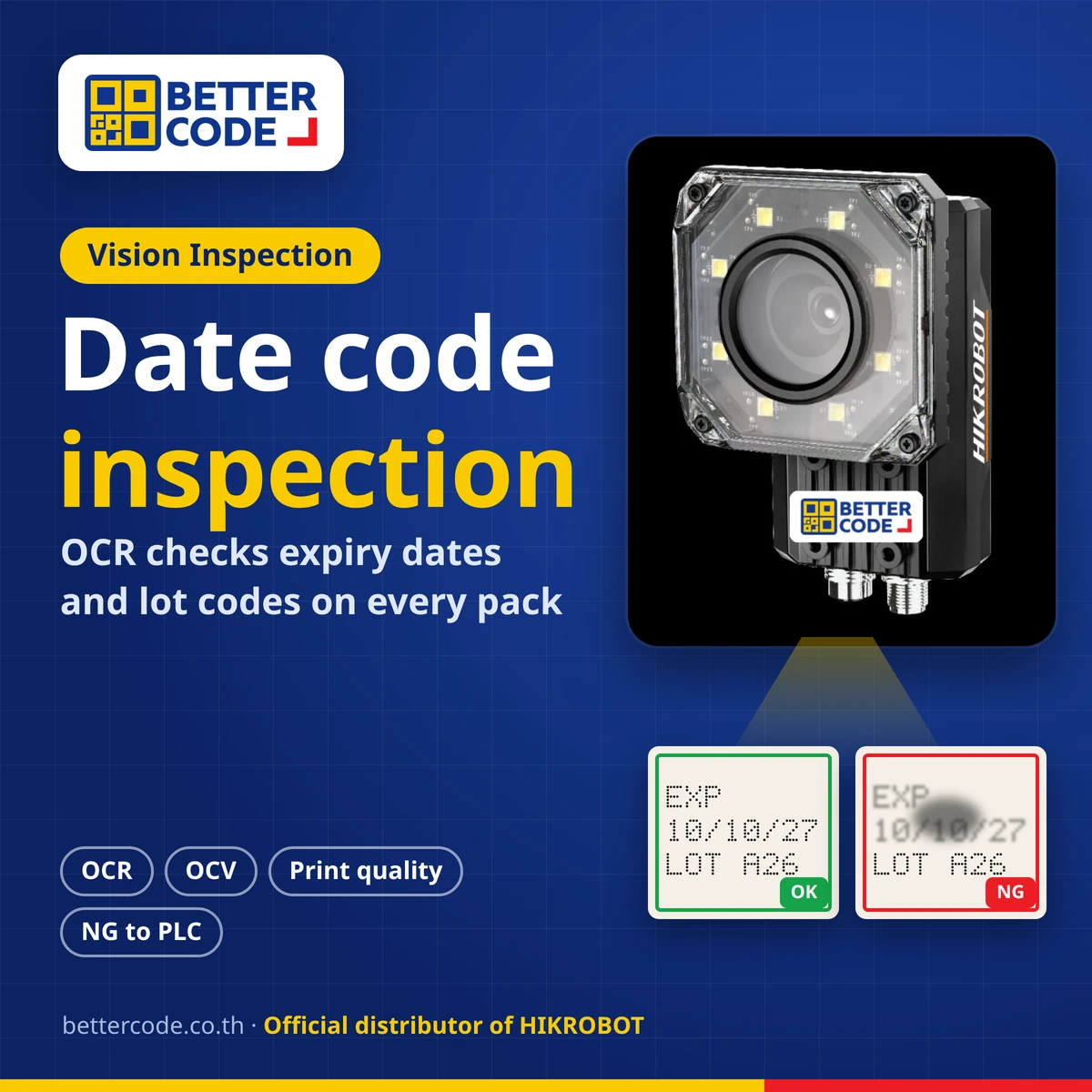
A date code inspection camera is a machine vision camera that photographs the code on every pack and uses OCR to read the manufacturing date, expiry date and lot number, then checks it against the text that should be printed (OCV). If a code is missing, wrong, broken or smudged, it sends an NG signal to the PLC to raise an alarm or reject that pack. Standard OCR suits consistent print; deep learning OCR suits dot matrix characters on reflective surfaces or codes whose position often changes.
What is a date code inspection camera, and why use one?
A date code inspection camera is a vision inspection system mounted after the date coder. It checks the code just printed on every carton, pouch, bottle or can, instead of spot checks by eye that cannot keep up when a line runs several packs per second.
Coding errors have many causes: print heads are cleaned or replaced, which changes character size and position; machines vibrate; moisture or droplets on packs make ink smudge; packaging reflects light; and dates are set wrongly at a lot change. Packs that leave without a date, or with the wrong one, may be rejected by retailers or recalled, and Thai food labels must show dates under MOPH Notification No. 450 (B.E. 2567). See Thai food labels: manufacturing dates, expiry dates and best before.
Read more: to also check caps, fill level, labels and can codes, see packaging inspection cameras for bottles, cans and beverages.
What can a date code inspection camera check?
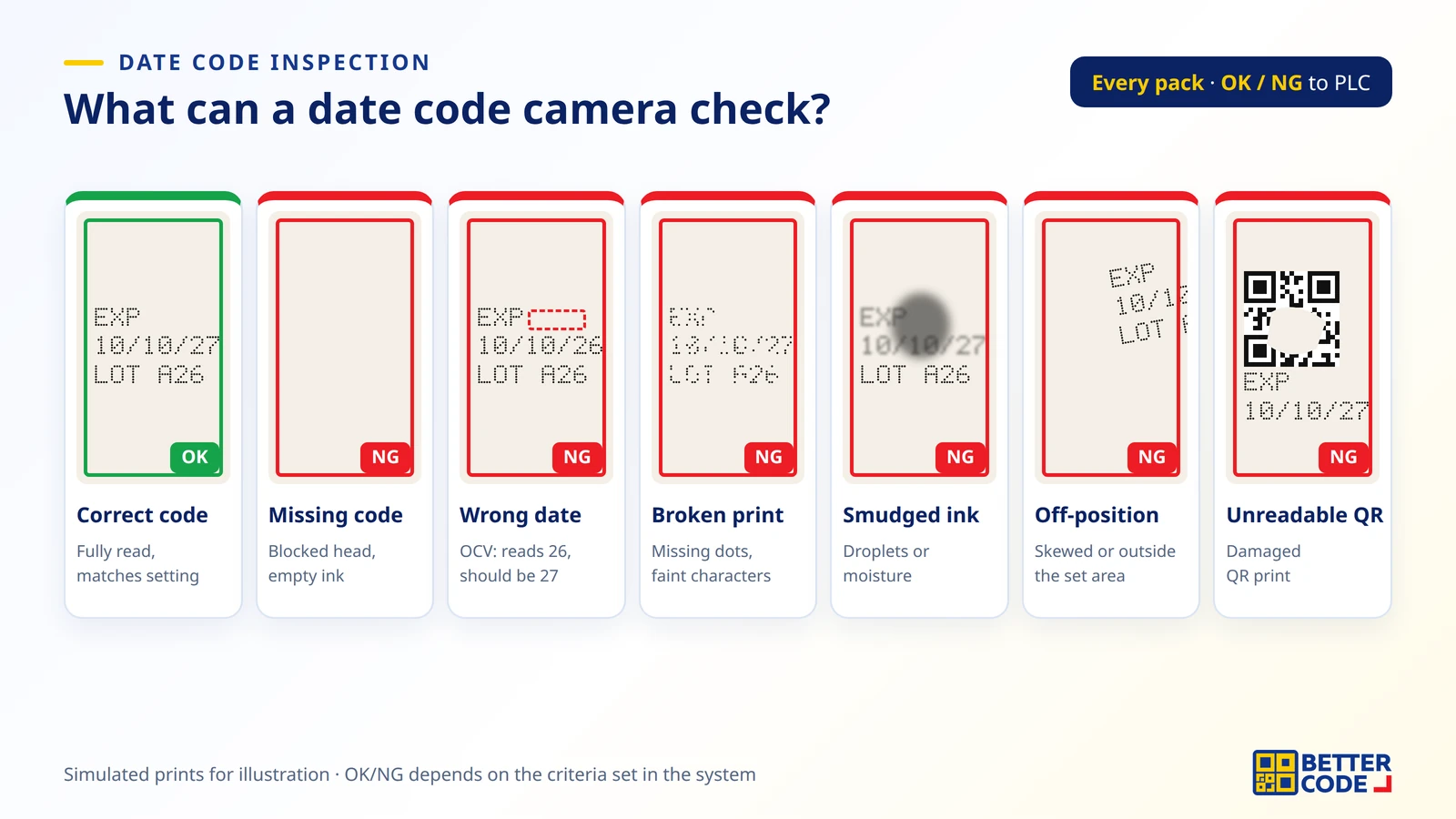
| Check | What the camera does | Examples judged NG |
|---|---|---|
| Code present | Checks that print exists in the expected area | Blocked head, empty ink, pack missed by the sensor |
| Read code (OCR) | Converts the characters into text, such as date, time and lot | Unreadable, missing characters |
| Verify text (OCV) | Compares the text read with the text that should be printed, for example a string sent by the PLC | Date or lot does not match the setting |
| Character quality | Checks for broken, faint, smudged or blurred characters | Ink running from droplets, missing dots |
| Position and skew | Checks that the code sits inside the defined area | Printed over graphics, off the edge or heavily skewed |
| QR code / barcode | Reads 2D codes together with the date | Unreadable QR code or mismatched data |
If barcode or QR code reading is your main need, see Machine vision inspection and barcode reading, and for code standards see What is GS1?
Standard OCR or deep learning OCR: how to choose?
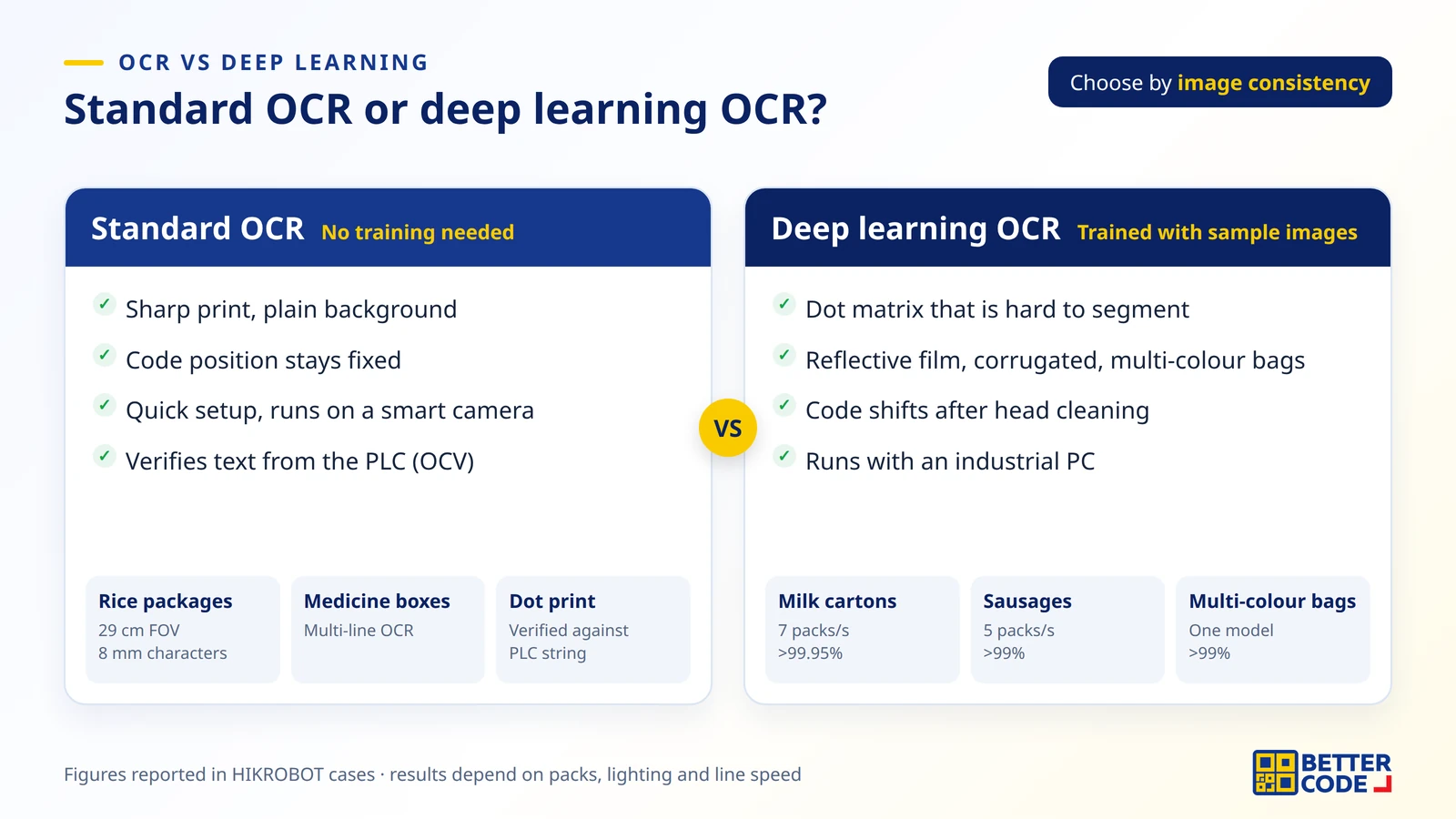
Quick answer: if the print is sharp, the background plain and the position fixed, start with standard OCR, which needs no training. For CIJ dot matrix characters on reflective film, corrugated board, multi-colour bags, or codes that move after head cleaning, consider deep learning OCR.
Standard OCR (no training)
Uses the OCR tool in the camera or vision software with image filters and position correction. It suits labels and cartons with clear print, for example multi-line OCR on medicine boxes, OCR on wrinkled rice packages (29 cm field of view, 8 mm wide characters), and dot print OCR verified against a string from the PLC while also detecting print variation.
Deep learning OCR (trained with sample images)
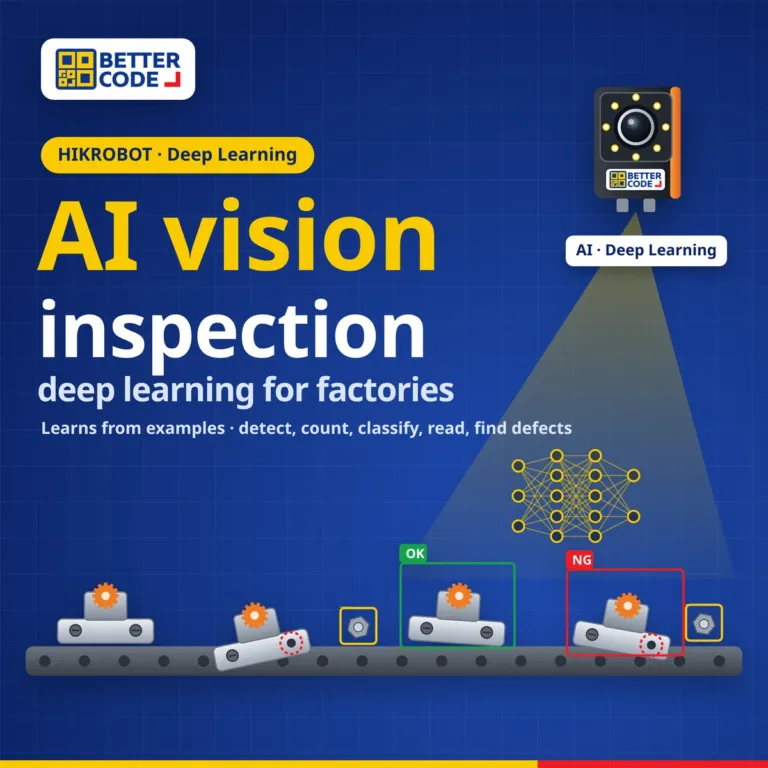
The system learns from real good and bad codes, so it handles dot matrix characters that are hard to segment, complex backgrounds, and codes whose size, shape or position changes. These jobs usually pair the camera with an industrial computer and a graphics card.
For more on deep learning vision, including training images and hardware, see AI vision inspection with deep learning.
Code inspection examples from HIKROBOT cases
| Job | Difficulty | Method | Reported result |
|---|---|---|---|
| Packaged sausages (mixed-product line) | Dot matrix, reflective packaging, 5 packs/s | Deep learning OCR | Recognition rate above 99% |
| Milk cartons, carton packing line | Code position shifts after head cleaning, 7 packs/s | Deep learning OCR, one model for many fonts | Production recognition rate above 99.95% |
| Corrugated cases on a dairy line | Rough surface, low contrast, black specks | Deep learning OCR and deep learning positioning | Above 99.95% |
| Rice bags of many colours and textures | White to black, smooth to granular, wrinkles, glare | One lighting setup and one model for all bags | Accuracy above 99% |
| Print defects on milk cartons | Droplets smudge ink; vibration breaks or distorts characters | Deep learning character defect detection | Detection rate above 99.95% |
| Chocolate packs on a conveyor | Dot print characters with an external trigger | Smart camera character inspection | Running on a live conveyor |
The figures are results HIKROBOT reported from each site. Your results depend on packaging, lighting, line speed and print quality, so test with real packs before choosing a system.
What makes up a date code inspection system?
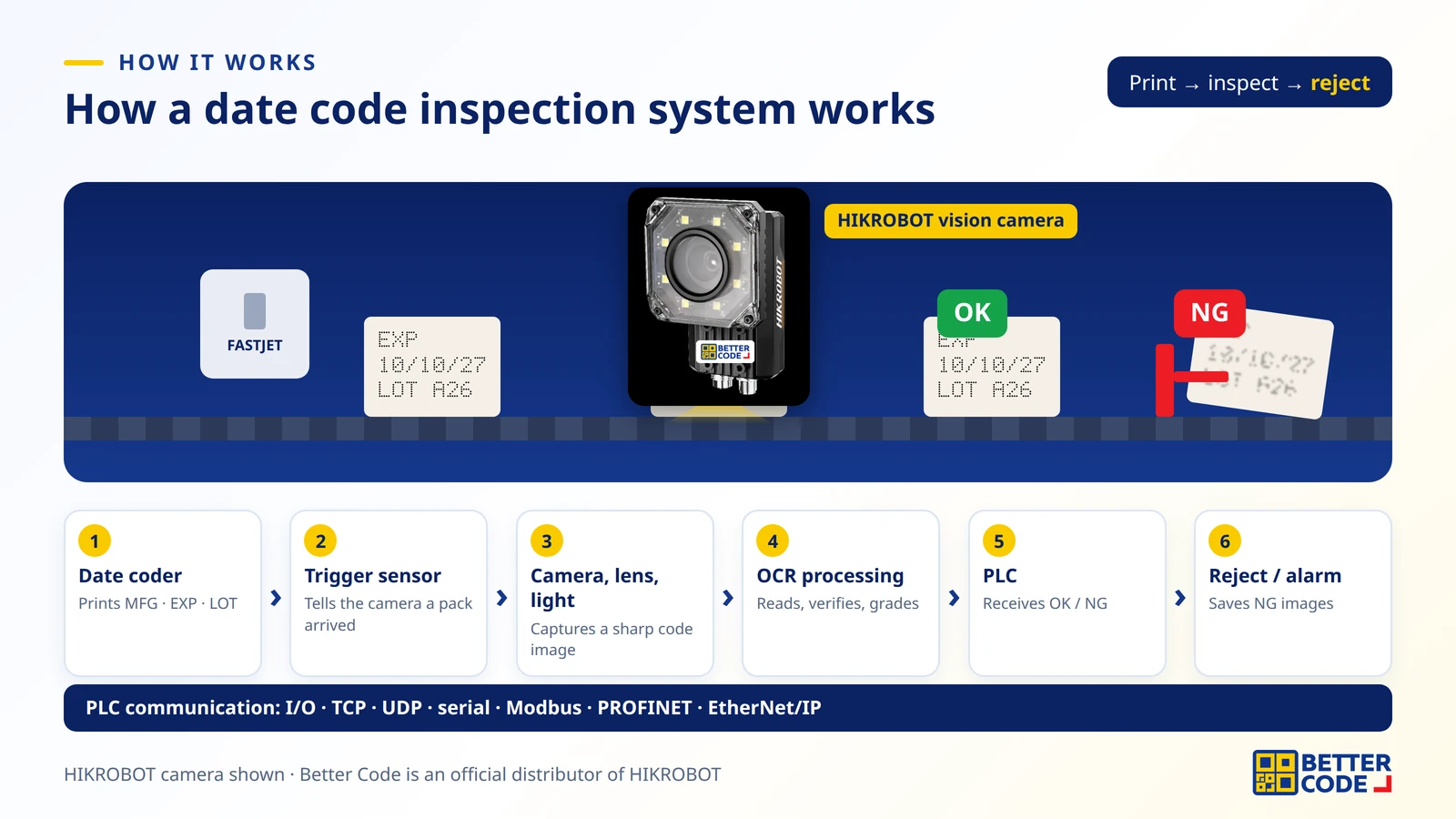
- Date coder prints the manufacturing date, expiry date and lot number.
- Sensor or trigger signal tells the camera the pack is in position.
- Camera, lens and lighting capture a sharp image; the right light reduces glare on film or cans.
- Processing runs inside a smart camera, or on an industrial PC for deep learning jobs.
- OK/NG output goes to the PLC via I/O or protocols such as TCP, UDP, serial, Modbus, PROFINET and EtherNet/IP.
- Reject and record: trigger a reject unit, alarm light or line stop, and save NG images for review.
What to prepare before installing a date code inspection camera
- Real sample packs, both good prints and ones that had problems, such as smudged, broken or off-edge codes.
- Line speed: packs per minute or per second, and the gap between packs.
- Character size and field of view, including how far the code can drift.
- Packaging type: colour, gloss, curves or reflective film.
- Where the correct text comes from: the PLC, the printer, or calculated from today’s date.
- Mounting position and reject method: space after the printer, reject unit and the signals your PLC needs.
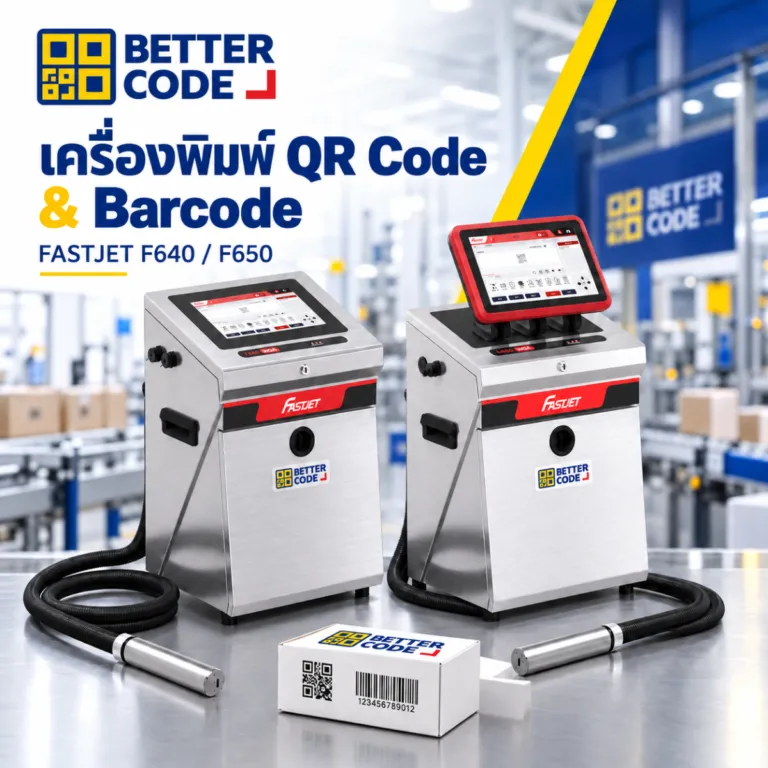
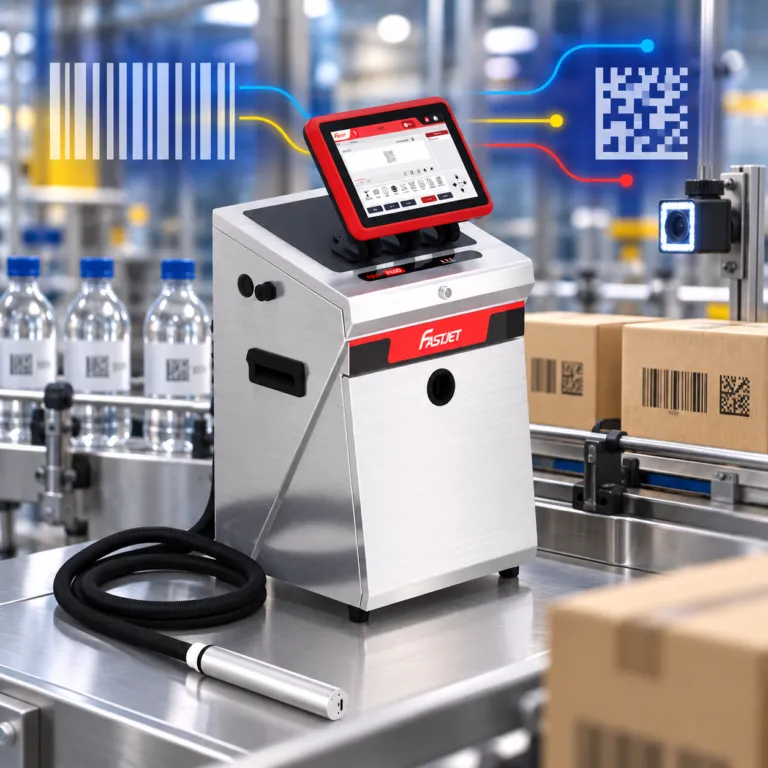
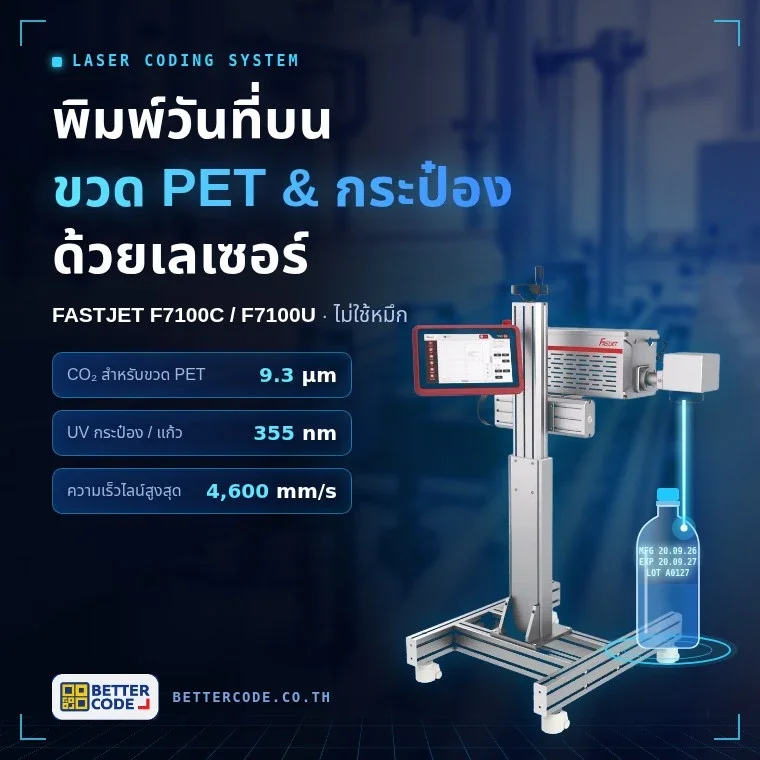
Sharp print and a fixed date format help the camera read accurately. Choose a coder for your packaging from FASTJET CIJ printers or TIJ printers, read What is a date coding machine?, and see Label date abbreviations: MFG, EXP, BBF, LOT.
Summary
- A date code inspection camera checks every pack for a code that is present, readable, correct and complete, and sends NG to the PLC for rejection.
- Standard OCR suits consistent print; deep learning OCR suits dot matrix on reflective surfaces and codes that move often.
- HIKROBOT cases report recognition rates from above 99% to above 99.95%, but always test with real packs.
- Better Code is an official distributor of HIKROBOT and also supplies date coders, so it can help coding and code inspection work together.
Date code inspection camera FAQs
What is a date code inspection camera?
A machine vision camera that photographs the code on every pack, uses OCR to read the manufacturing date, expiry date and lot number, and sends OK or NG to the PLC to reject wrong packs.
What is the difference between OCR and OCV?
OCR reads the characters in the image as text. OCV checks that the text read matches what should be printed, such as the date or lot sent by the PLC. Date code inspection usually uses both.
Do I need deep learning OCR?
Not always. If the print is sharp and the position fixed, standard OCR works. Use deep learning for dot matrix on reflective surfaces, corrugated board, many packaging types, or codes whose position often changes.
Can the camera read CIJ dot matrix characters?
Yes. HIKROBOT cases include dot matrix reading with both standard and deep learning OCR on milk cartons, sausages, rice bags and chocolate packs, but test with the real print from your line first.
Can it keep up with fast lines?
HIKROBOT example cases report jobs at 5–7 packs per second. Achievable speed depends on image size, character count, processing method and installation, so it must be assessed on your line.
What happens when the camera finds a wrong code?
The camera sends NG to the PLC to trigger a reject unit, alarm light or line stop as configured, and saves the image of the bad pack for review.
Where can I buy a HIKROBOT vision camera for date code inspection?
Better Code is an official distributor of HIKROBOT. Contact us on LINE @bettercode or request a quote on our website; we assess images of your real packs before choosing a camera.
References
- HIKROBOT – Deep Learning Application Case Set (2021): character recognition and character defect detection cases in food and dairy
- HIKROBOT – Smart Product Application Cases (Dec 2021): Rice Packages OCR, Chocolate Package OCR & Inspection, OCR Application (Dot print OCR)
- HIKROBOT – Industrial Code Reading (2020): Food package case (QR code reading and OCR date checking)
- Thai FDA Food Division – Food labelling rules (MOPH Notification No. 450, B.E. 2567)
Want every date code on your line checked?
Send photos of your packaging, your current print and your line speed. Better Code will assess the inspection point, choose a HIKROBOT camera, lens and lighting, and test with your real packs.