Machine Alerts on LINE: Send Alarms, Output and NG Rejects to Your Team
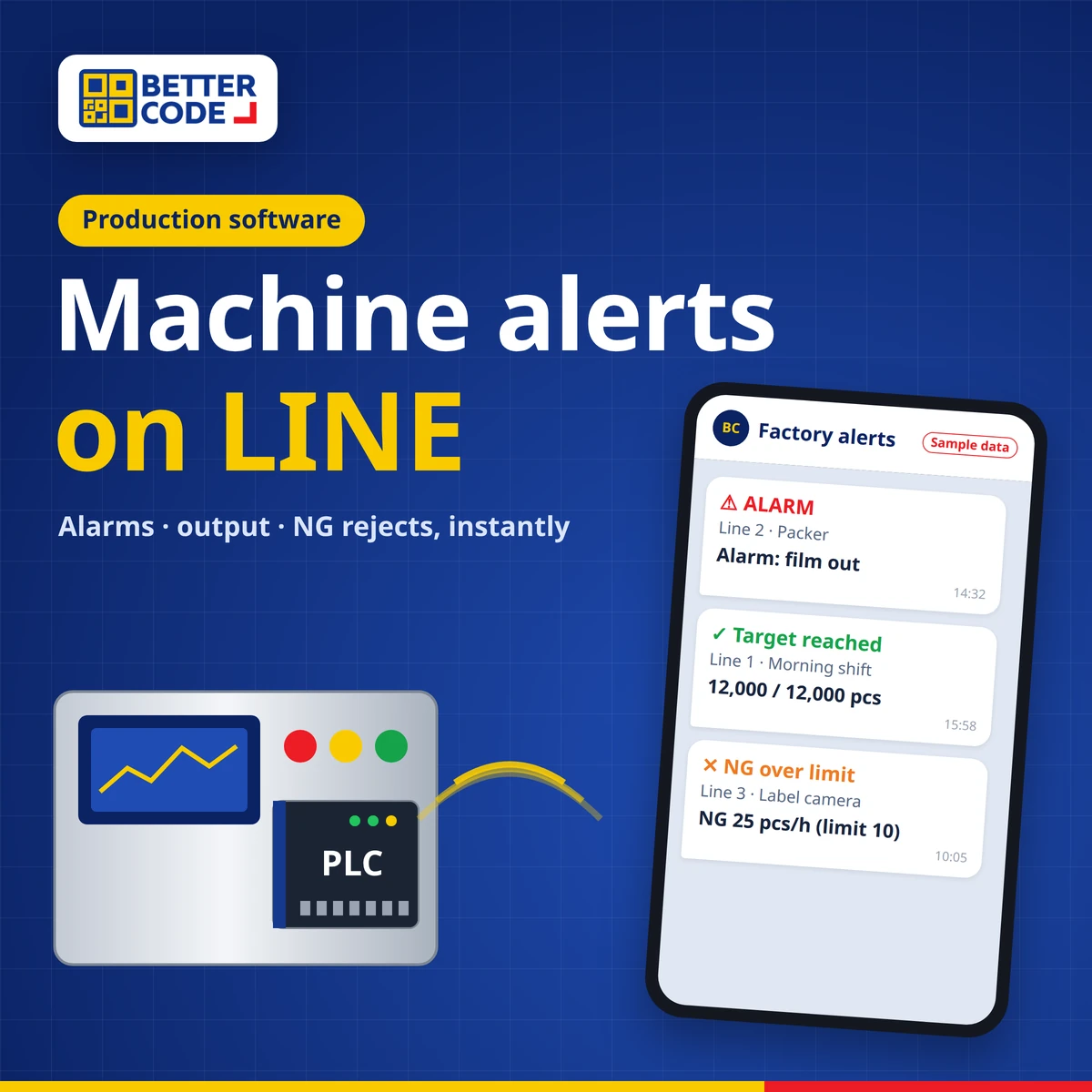
A machine alert system on LINE connects data from machines, PLCs, sensors or vision cameras to software that checks conditions and sends a message to the LINE of supervisors, technicians or a team group as soon as something needs attention: a machine alarm or fault, a production target reached or a shift total, and NG rejects or out-of-limit readings. Teams learn about problems quickly without walking the line or watching a screen. Because LINE Notify closed on 31 March 2025, LINE alerts now need to be sent through a LINE Official Account using the Messaging API. Better Code designs and installs these systems together with production software, dashboards and OEE.
What is a machine alert system on LINE?
In many factories, the team learns that a machine has stopped or is producing rejects only when someone walks past, or when totals are counted at the end of the shift. LINE alerts shorten that gap. The software reads machine signals continuously, compares them with set conditions and sends a short message stating the line, machine, event and time to the person responsible. Everyone already uses LINE, so no new app is needed.
What can it alert on?
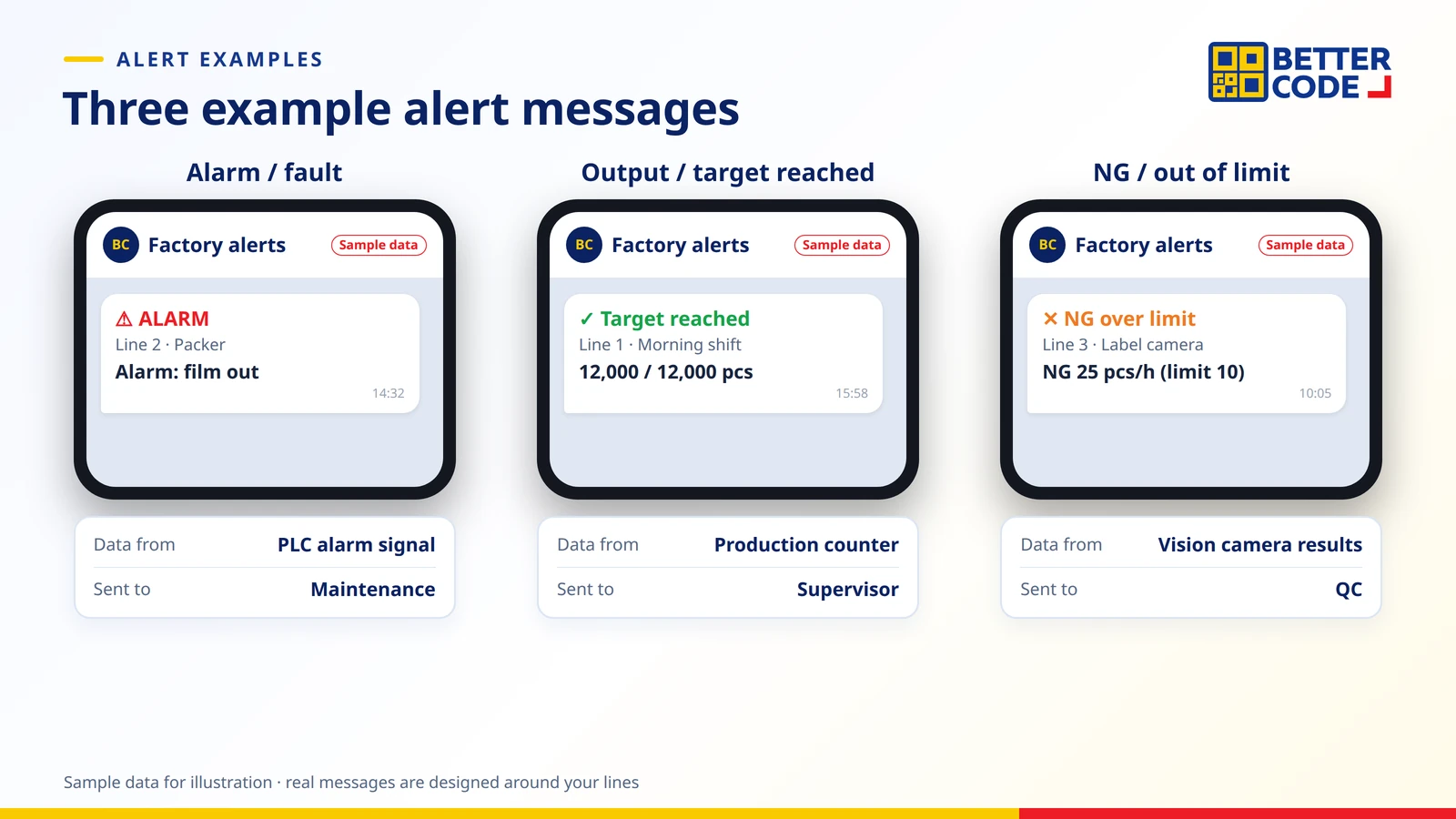
| Alert type | Data source | Example |
|---|---|---|
| Alarm / fault | Alarm signals or fault codes from the PLC or machine | A packing machine raises an alarm; the technician gets the machine name and time |
| Output / target reached | Counters from the PLC or counting sensors | Alert when an order target is reached, or a total at the end of each shift |
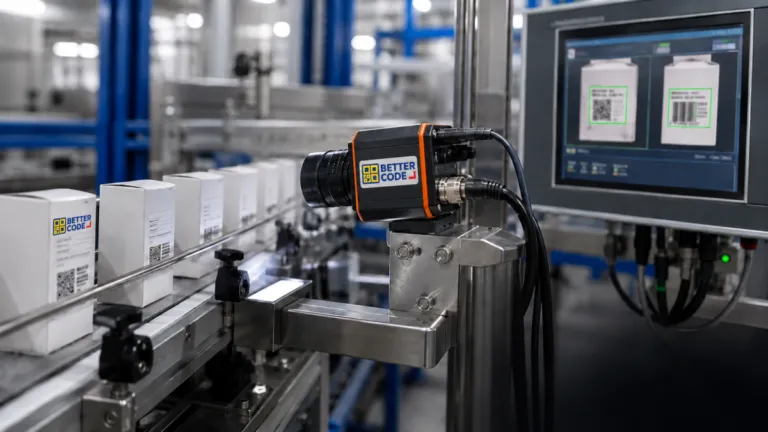
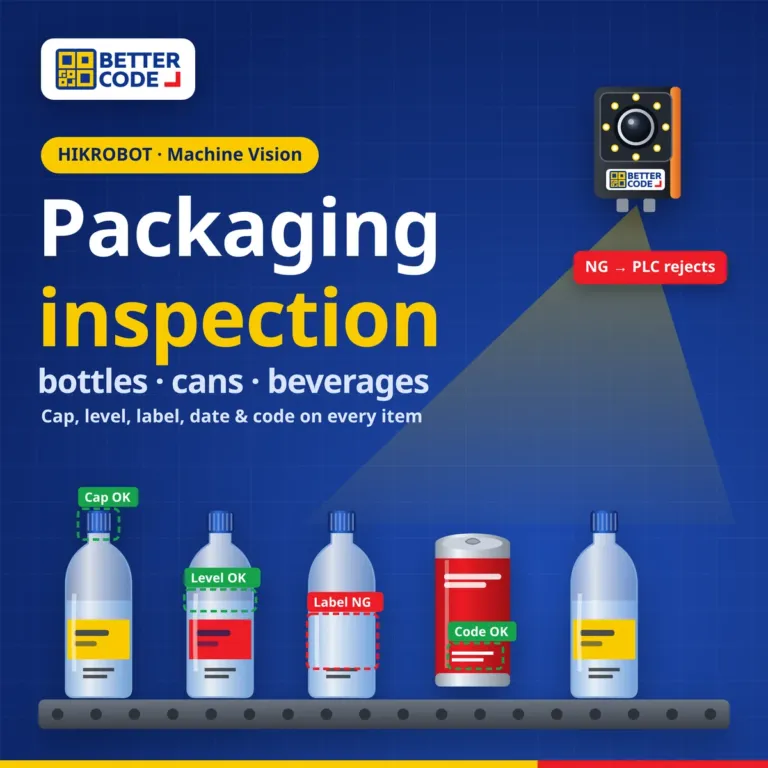
| NG / out of limit | Results from vision OK/NG cameras or measuring sensors | Accumulated NG above a set threshold, or a reading outside the accepted range |
What can be reported depends on the signals the machine or control system actually provides. Before a project starts, our team surveys the site to see which signals are available and where sensors or devices need to be added.
How does it work?
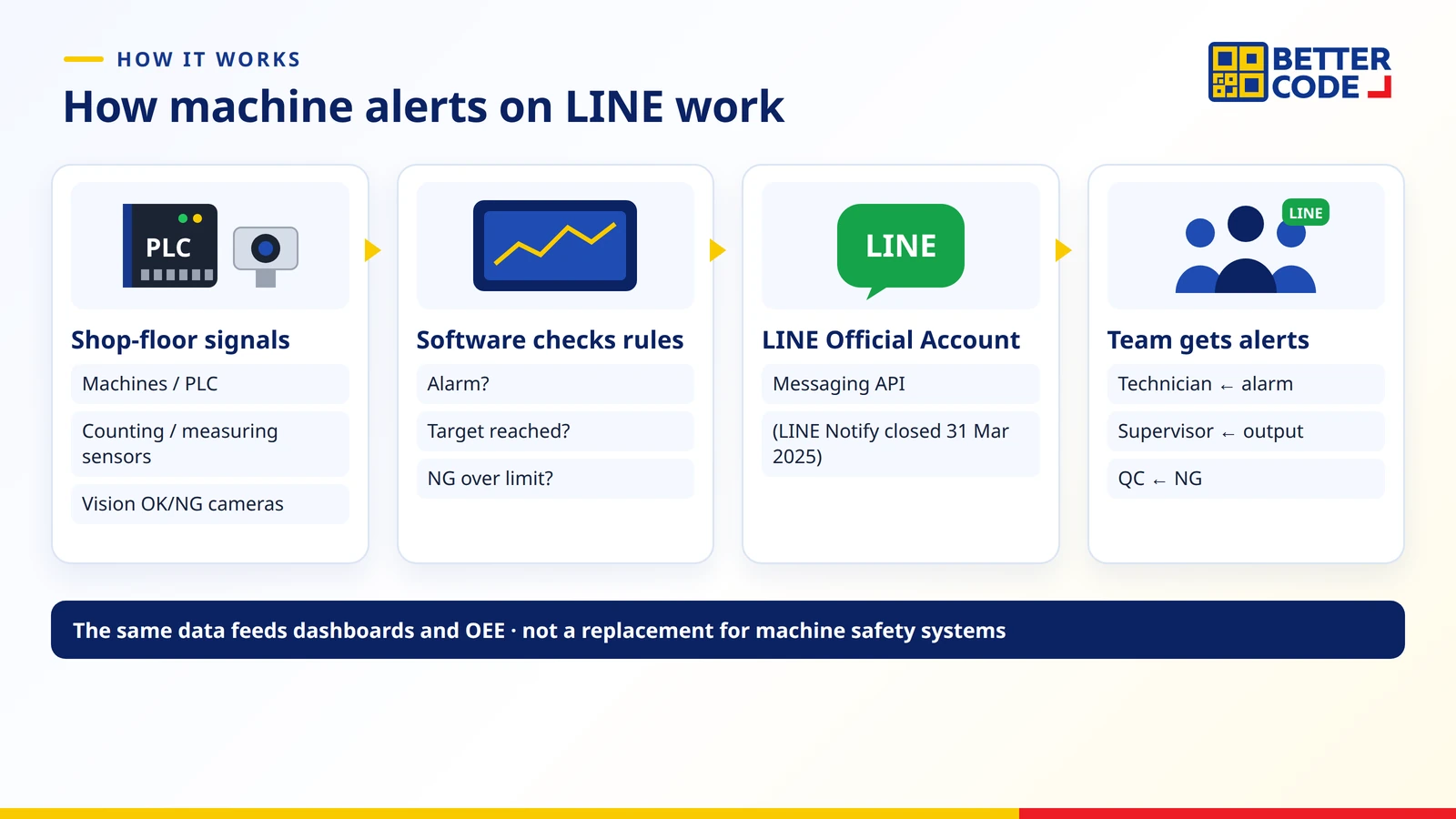
- Collect signals from PLCs, machines, sensors or vision cameras through the interfaces they support.
- Software checks conditions such as an alarm, a target reached or NG above a threshold, and logs events according to the project scope.
- Send messages through a LINE Official Account using the Messaging API to the chosen recipients or groups.
- The team responds; the same data can appear on production dashboards and OEE reports.
LINE Notify has closed: what replaces it?
LINE Notify, the free alert service many factories used, closed on 31 March 2025 according to LY Corporation. LINE’s recommended alternative is sending messages through a LINE Official Account with the Messaging API, so systems built on LINE Notify must move to this method. Check the message quota and plan of the LINE Official Account against the number of alerts you expect.
Setting conditions so alerts help rather than annoy
- Alert only on actionable events: start with important alarms, targets reached and NG above threshold, not every signal.
- Set thresholds and delays: for example, alert when accumulated NG exceeds a set count, to filter out momentary signals.
- Send to the right people: split recipients by line, role or shift, e.g. alarms to technicians and output to supervisors.
- Make messages instantly readable: include line, machine, event, value and time.
- Keep a history to find recurring causes and improve machines or processes.
Can older machines send alerts?
Often yes, if the machine has a PLC or readable signals, but not always. Signals and connection methods must be checked first; some machines can have sensors or signal devices added at specific points. See Software Pro 4.0: connect legacy machines to a production dashboard and where factory automation should start.
What to prepare before a project
- The machines and lines to monitor, with PLC brand or model if known.
- The events to alert on and their thresholds, such as output targets or acceptable NG counts.
- Recipients for each alert, and shifts or time windows.
- On-site network and internet access for sending messages.
Summary
Machine alerts on LINE let the team know immediately when a machine raises an alarm, output reaches target or NG exceeds a threshold. Signals from PLCs, sensors or vision cameras feed software that sends messages through a LINE Official Account, since LINE Notify has closed. Start with actionable events, set sensible thresholds, send to the people responsible, then extend to dashboards and OEE.
Frequently asked questions about machine alerts on LINE
What can a LINE machine alert system notify?
Machine alarms or faults, production targets reached or shift totals, and NG rejects or out-of-limit readings, depending on the signals the machine or control system provides.
Can I still use LINE Notify?
No. LINE Notify closed on 31 March 2025. Alerts now need to be sent through a LINE Official Account using the Messaging API.
Do users need a new app?
No. Recipients use the normal LINE app, add the system’s LINE Official Account as a friend or receive messages in a group, depending on the design.
Can old machines without networking send alerts?
Often, by reading PLC signals or adding sensors at specific points. The machine must be surveyed first because signal availability varies.
Can vision camera rejects trigger alerts?
Yes. When the camera outputs OK/NG results or measured values, the software counts them and alerts when the set threshold is exceeded.
Can LINE alerts replace machine safety systems?
No. LINE alerts are for awareness and follow-up. Safety systems such as emergency stops and interlocks must still work on the machine itself.
Can it work with dashboards and OEE?
Yes. The same data can be shown on production dashboards and OEE reports within the scope of a Better Code production software project.
Sources
- LY Corporation – end of the LINE Notify service (announced 7 Oct 2024, ended 31 Mar 2025), recommending the Messaging API via a LINE Official Account
- Better Code – production software, dashboard and OEE project scope
Want your machines to alert your team on LINE?
Send the machine list, the events to report and the recipients. Better Code will survey the available signals, design the alert conditions and install LINE alerts together with a dashboard.