TISI QR Code: How to Scan the TIS Mark and Print the QR Code on Products
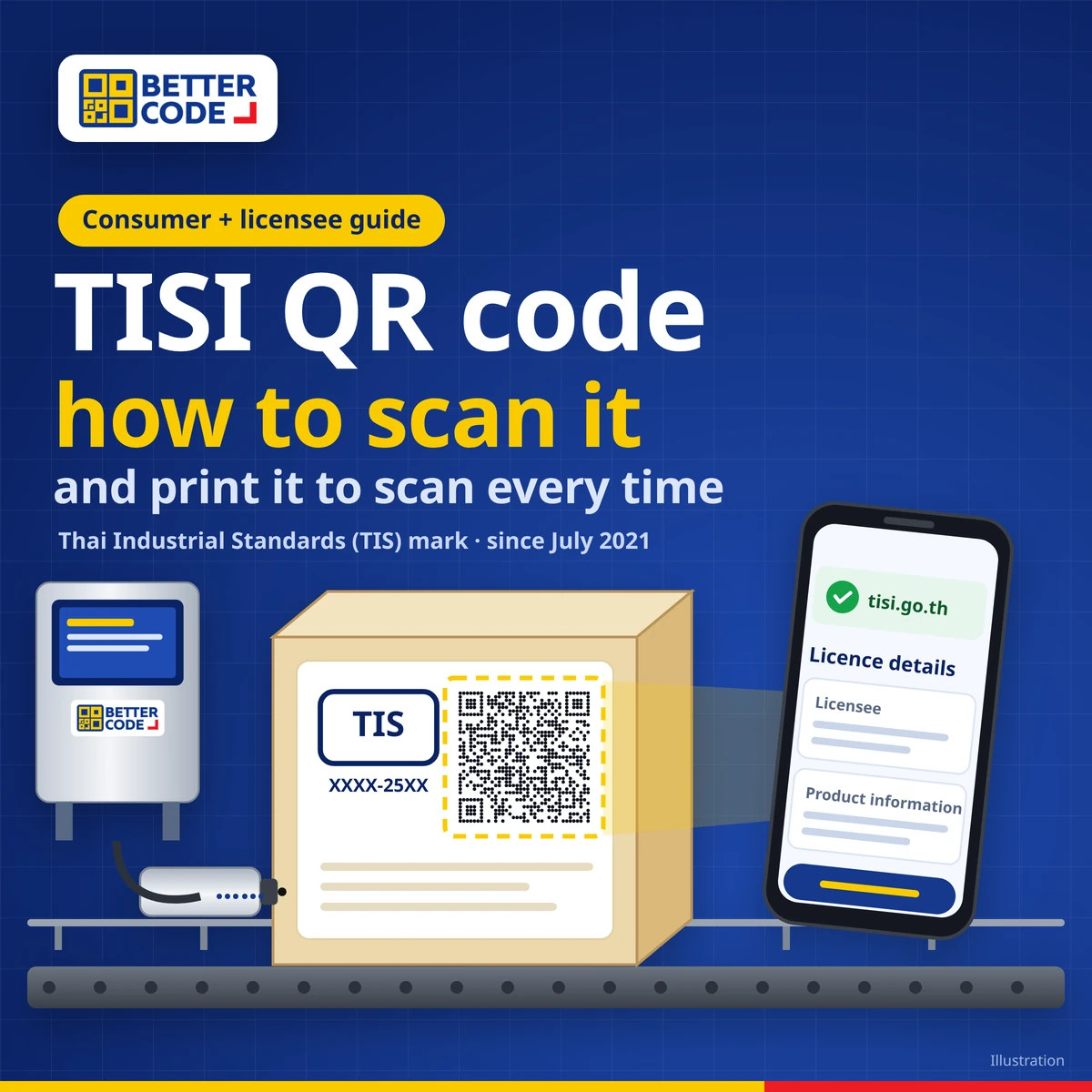
A TISI QR code is the QR code that every Thai Industrial Standards (TIS / มอก.) licensee, both manufacturers and importers, must display next to the TIS mark on the product, its packaging or wrapping. It is required by the Ministerial Regulation on the characteristics, making, display and use of standard marks for industrial products B.E. 2563 (2020), enforced since July 2021. To verify a product, scan the QR code with a phone camera, check that the link opens a website of the Thai Industrial Standards Institute (TISI, tisi.go.th), and confirm the licensee and product details match the label. Licensees generate the QR code themselves in TISI’s e-Service system and must display it so it is easy to see. According to TISI, a first offence gets a warning; repeat offences can bring a fine of up to 300,000 baht and suspension of the licence.
What is a TISI QR code?
A TISI QR code presents the licence details and information about the licensed industrial product in electronic form. It must be shown together with the TIS mark on the product, container, packaging or wrapping so that it is easy and clear to see. Scanning it opens a web page specified by TISI (Thai Industrial Standards Institute), so buyers can see immediately which licensee the product comes from.
The rule applies to every TIS licensee, domestic manufacturers and importers alike. When it took effect, TISI reported more than 10,000 licensees holding over 80,000 licences across more than 800 standards, covering product groups such as steel, electrical appliances, concrete, ceramics, automotive parts and toys.
Why must TIS-certified products carry a QR code?
- Consumers can check before buying that the product is licensed and comes from the real licensee.
- It provides reference data for complaints if a product does not meet the standard.
- It reduces fake TIS marks, because a printed mark alone is easy to copy, while the QR data is linked to TISI’s database.
When did the requirement take effect?
| Date | Event |
|---|---|
| July 2020 | The Ministerial Regulation B.E. 2563 (2020) on standard marks is published in the Royal Gazette |
| 21 Jan 2021 | Original enforcement date |
| 5 Jan 2021 | The Cabinet approves a 180-day extension so businesses can prepare |
| July 2021 | Enforcement begins: every licensee must display the QR code next to the TIS mark |
| Today | TISI refers to this regulation and its amendment (No. 2) for displaying the QR code and mark |
How to scan a TISI QR code in 5 steps
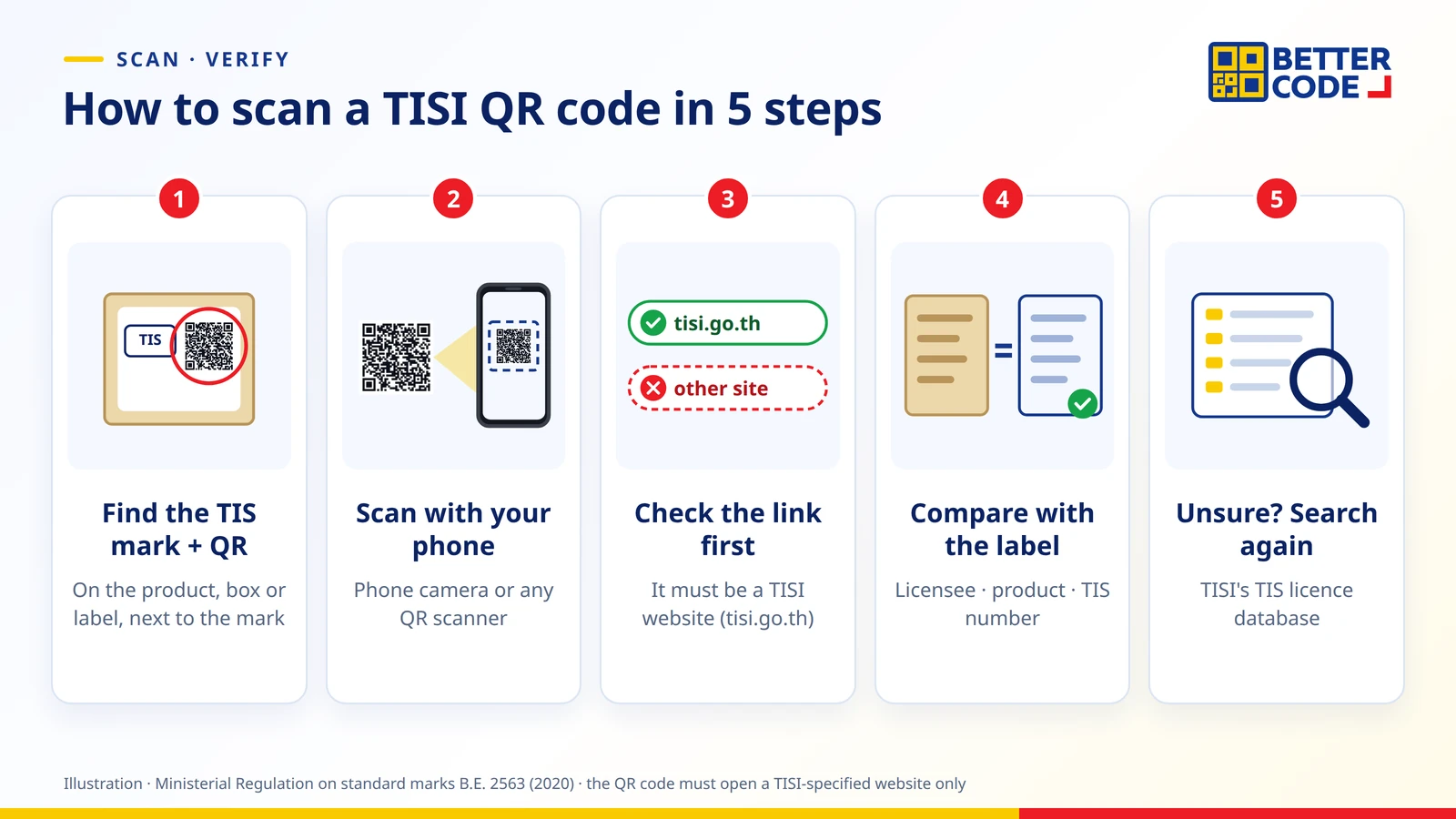
- Find the TIS mark and QR code on the product, box or label. The QR code should sit with or near the mark, and the TIS number should appear below or beside the mark.
- Open your phone camera or any QR scanner. TISI requires the code to be readable with basic, free software, so no special app is needed.
- Check the link before opening it. A TISI QR code must lead only to a website specified by TISI, so the link should be on TISI’s domain (tisi.go.th). Be careful if it goes anywhere else.
- Compare the details with the label. Check that the licensee name and product details match the manufacturer or importer, product name and TIS number on the box.
- If unsure, search the licence database. TISI provides a licence search by licence number, TIS number, standard name or company name.
What if it won’t scan or the details don’t match?
| What you find | What to do |
|---|---|
| A TIS mark but no QR code | Ask the seller or manufacturer, and check TISI’s licence database before buying |
| The QR code opens a non-TISI website | Do not enter personal data; check in TISI’s system instead |
| Licensee or product details don’t match the label | Photograph the label and QR code, then report to TISI via tisi.go.th or the TISI Official Facebook page |
| The QR code is faded, smudged or distorted | Try again in good light holding the phone straight; otherwise search by TIS number or company name |
What do manufacturers and importers need to do?
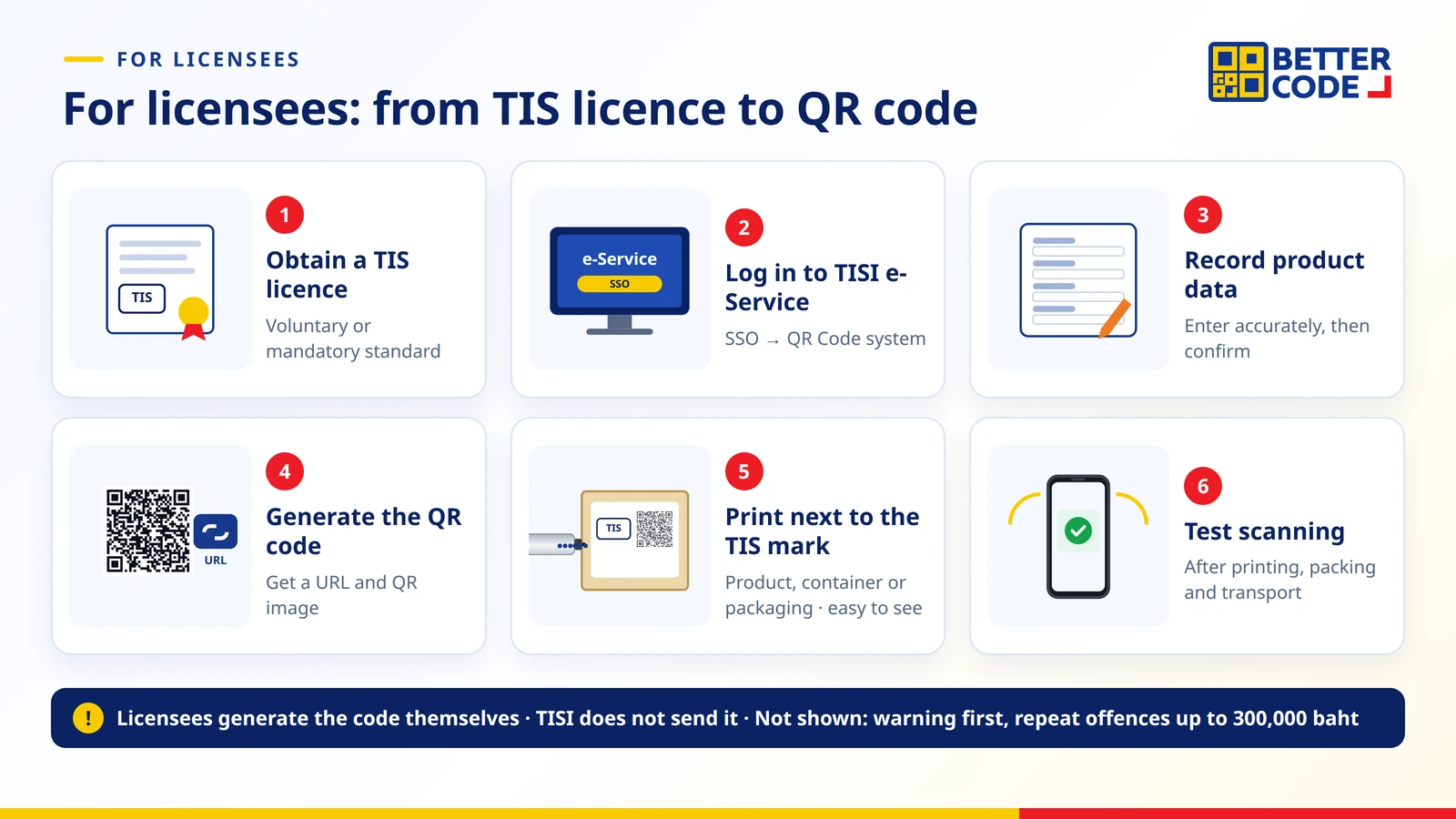
- Obtain a TIS licence for either a voluntary or a mandatory standard.
- Log in to TISI’s e-Service (SSO) and open the QR Code system.
- Record the licensed product data accurately and confirm it.
- Generate the QR code. The system provides both a URL and a QR image for your label artwork. The licensee generates it; TISI does not send one.
- Place the QR code next to the TIS mark on the product, container or packaging (the mark may go on packaging when the product itself cannot carry it). Show the TIS number below or beside the mark, and make sure the mark cannot easily peel off or be destroyed.
- Test scanning on real products before mass production, both straight after printing and after packing, transport or use.
On colour and size, TISI has answered that the TIS mark may be any colour as long as it is clearly visible and suits the product size. Other label details follow each individual standard. Always check TISI’s latest requirements before printing.
How can you print the TISI QR code on products?
A QR code generated in TISI’s system is a link based on the data you recorded. It does not change with each production date the way expiry dates or lot numbers do, so it can be pre-printed in packaging artwork. When packaging is shared across models, or the code must go on the product itself, such as pipes, cables or metal parts, printing on the production line is more flexible and can add the production date and lot number in the same pass.
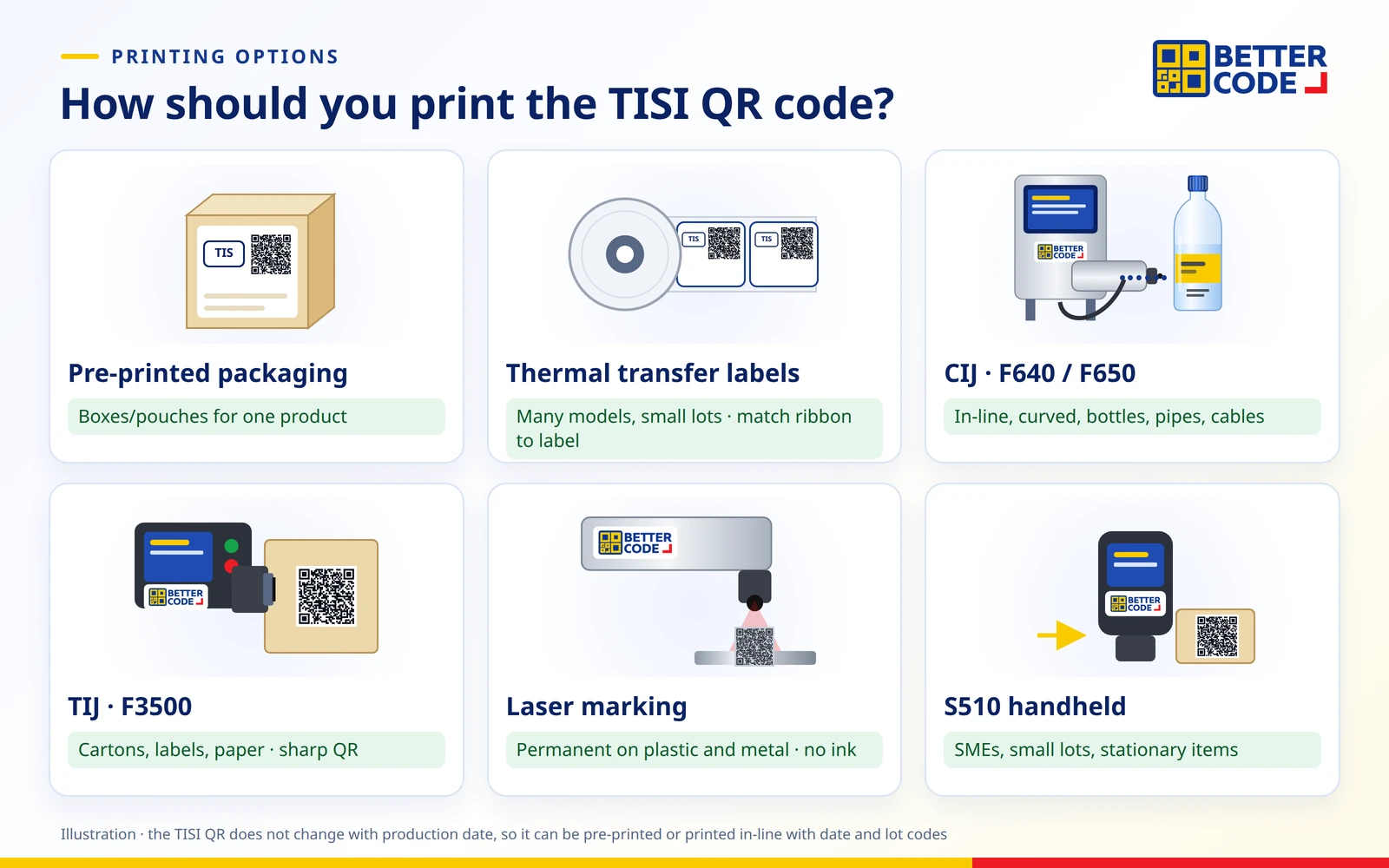
| Method | Best for | Notes |
|---|---|---|
| Pre-printed packaging | Boxes or pouches used for a single product | Hard to change when data or models change; needs a reprint |
| Thermal transfer labels | Many models, small lots, labels added later | Choose a wax, wax-resin or resin ribbon to suit the label material so the code does not rub off |
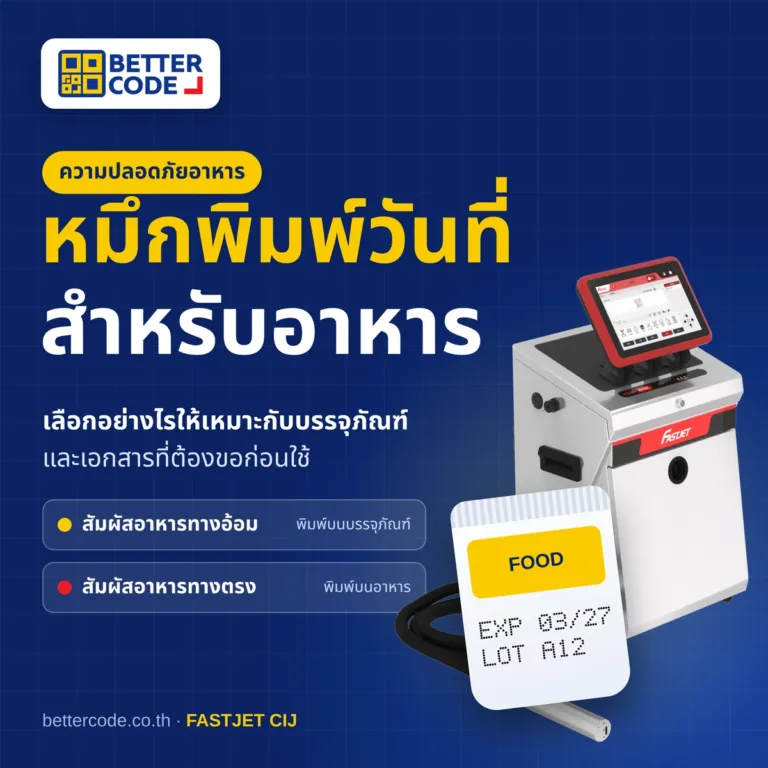
| CIJ printers (F640 / F650) | In-line printing on curved surfaces, bottles, pipes, cables; longer throw distance | Dot-matrix QR codes; choose code size and line speed so they scan. See FASTJET F640 and F650 for QR codes |
| TIJ printers (F3500) | Cartons, labels, paper sachets needing sharp QR codes | The print head must be close to a flat surface |
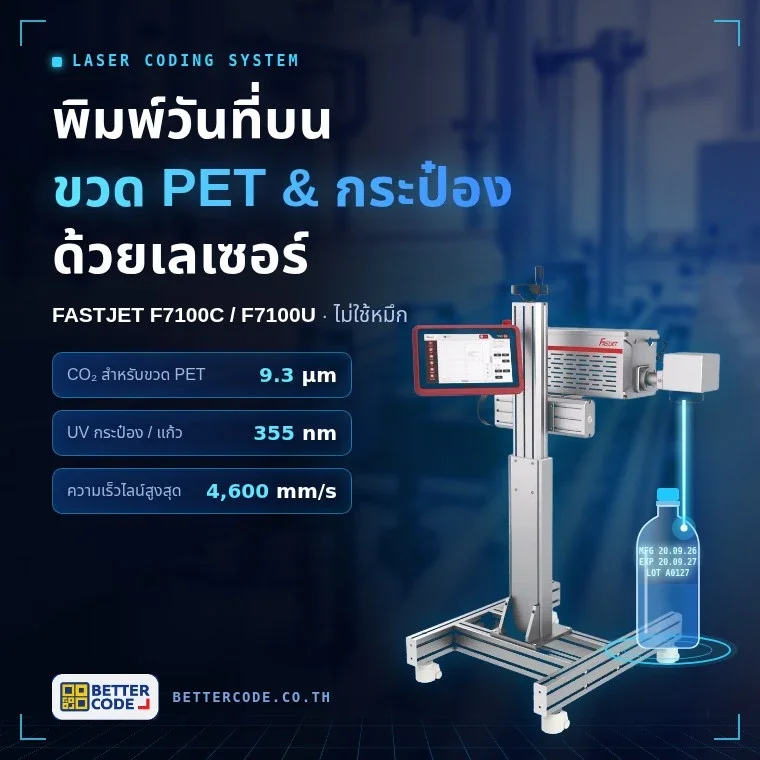
| Laser marking | Permanent codes on plastics, metals or parts that must not peel off | No ink; test mark contrast on the actual material |
| S510 handheld printer | SMEs, small lots, stationary products | Quality depends on how the printer is moved; scan-check every lot |
Printing a TISI QR code that scans every time: 6-point checklist
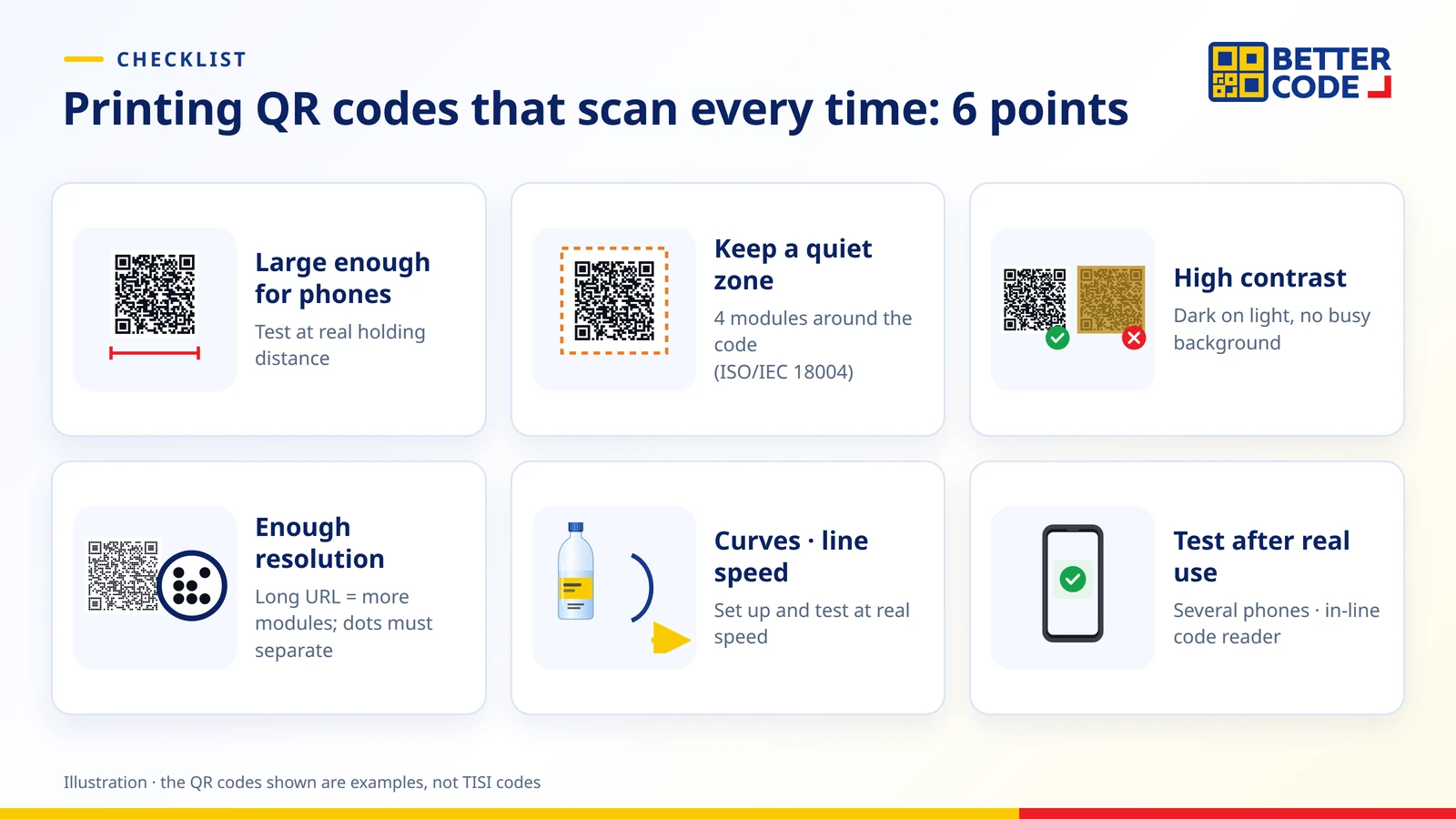
- Large enough for phones. Test at the distance a buyer holds the product. Codes that are too small fail on many phones.
- Keep a quiet zone. The QR code standard (ISO/IEC 18004) specifies a blank margin four modules wide around the code. Keep artwork and text away from it.
- High contrast. Use dark modules on a light background; avoid reflective or busy backgrounds.
- Enough resolution for the data. Long URLs create more modules, so every dot must print clearly separated.
- Watch curved surfaces and line speed. Bottles and pipes distort the code, and fast lines can stretch or squeeze the dots, so set up and test at real speed.
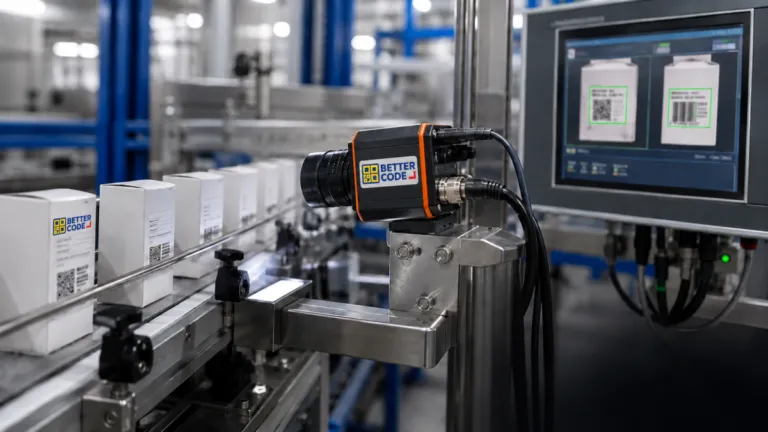
- Test after real use. Scan with several phones after packing, rubbing, moisture or transport. Fast lines can use code reader cameras to check QR codes and barcodes in-line.
Summary
The TISI QR code is the code every TIS licensee has had to show next to the TIS mark since July 2021. Consumers scan it with a phone camera to view licence information on TISI’s website. Licensees generate the code in TISI’s e-Service system and must print it clearly enough to scan. Whether you pre-print it on packaging, use labels or print in-line with CIJ, TIJ or laser, test-scan on real products before mass production.
Frequently asked questions about TISI QR codes
What is a TISI QR code?
It is a QR code that presents licence details and product information electronically. TIS licensees must display it next to the TIS mark on products or packaging under the Ministerial Regulation B.E. 2563 (2020), enforced since July 2021.
How do I scan a TISI mark, and which app do I need?
Use your phone camera or any QR scanner on the code next to the TIS mark. No special app is needed, as TISI requires the code to be readable with basic free software. Then check the link is a TISI website and the details match the label.
What must be shown with the TIS mark under the current rules?
A QR code giving licence and product information must be shown next to the TIS mark so it is easy and clear to see, and the TIS number must appear below or beside the mark.
Do all TIS-certified products need a QR code?
The requirement applies to every TIS licensee, both domestic manufacturers and importers. TISI’s QR code system covers licences for both voluntary and mandatory standards. Product-specific label details follow each individual standard.
Who creates the TISI QR code?
The licensee does. You log in to TISI’s e-Service, record the licensed product data, and the system provides a link and QR image to print. TISI does not send the code to you.
What is the penalty for not showing the QR code?
According to TISI, a first finding results in a warning. Repeat violations lead to legal action with a fine of up to 300,000 baht and possible licence suspension.
Can the TISI QR code link to our company website?
No. The QR code shown with the TIS mark must display information on a website specified by TISI only. If you want customers to visit your website, use a separate QR code placed so it is not confused with the TISI code.
Can a date coding printer print the TISI QR code on products?
Yes. FASTJET CIJ (F640 / F650), TIJ (F3500), laser systems and the S510 handheld printer can print QR codes, together with the production date and lot number in one pass. Test code size and scanning on real products first.
Sources
- Ministerial Regulation on the characteristics, making, display and use of standard marks for industrial products B.E. 2563 (2020) and its amendment (No. 2), as referenced by TISI on its official Q&A board
- Thai Industrial Standards Institute (TISI) – official Q&A board: licensees generate QR codes in e-Service; display and colour of the TIS mark
- TISI – Manual Recorded Data System For Create a QR Code, and the TIS licence search (tisi.go.th)
- TISI and Ministry of Industry news (Sep 2020 – Nov 2021) on enforcement dates, the 180-day extension approved by the Cabinet on 5 Jan 2021, and penalties
- ISO/IEC 18004 – QR Code symbology specification (quiet zone of four modules)
Need TISI QR codes that scan on every product?
Send product photos, the print position and the QR link from TISI’s system. Better Code will help you choose CIJ, TIJ, laser or labels, test print on real products and scan-verify before you decide.