Software Pro 4.0: Connect Legacy Machines to a Production Dashboard
BETTER CODE / AUTOMATION + SOFTWARE
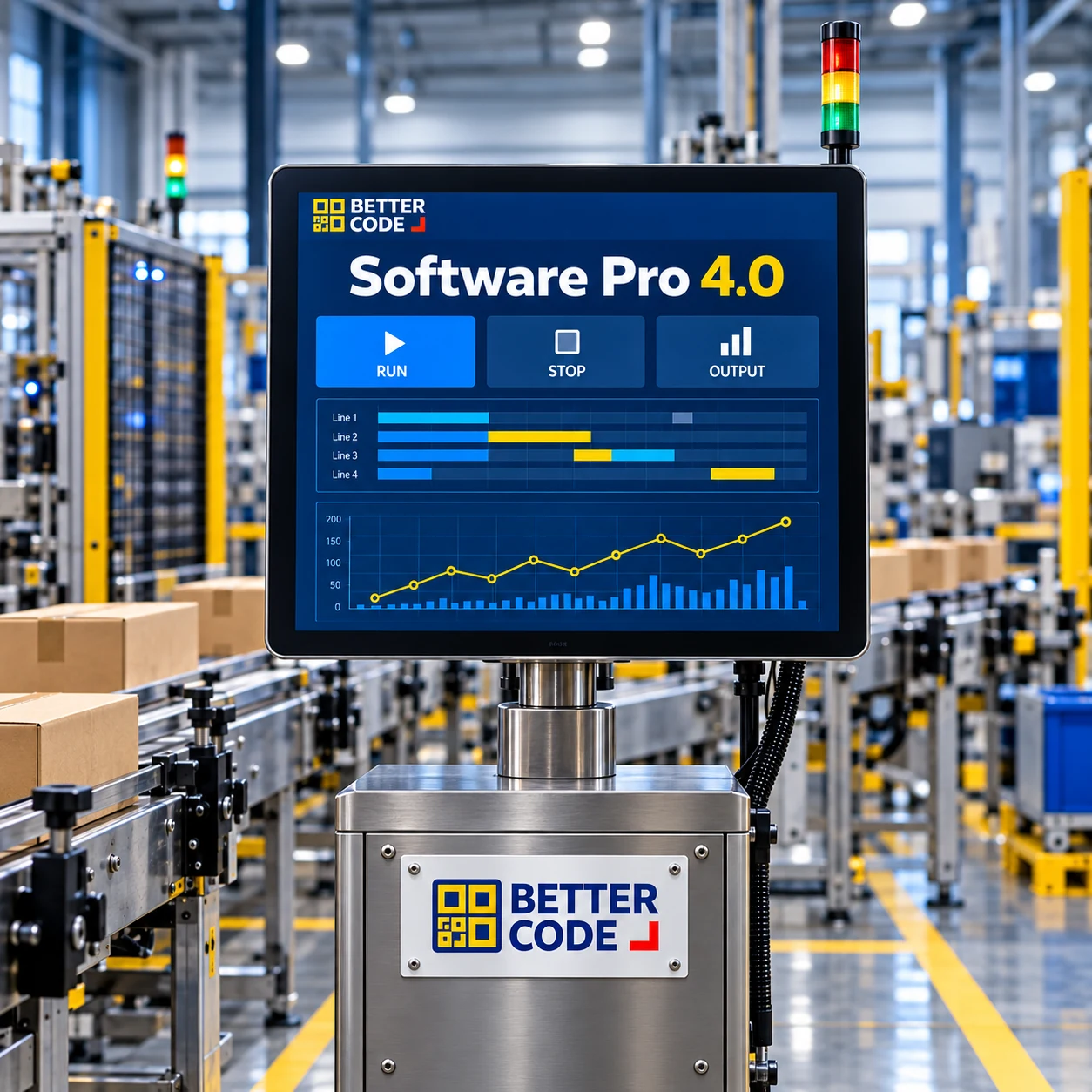
Software Pro 4.0 by Better Code connects machine data with production dashboards to help factory teams review performance and investigate issues using shared information. Start with one line and a scope suited to your existing equipment.
The short answer: often yes, after a machine-by-machine assessment
Many existing machines can supply data to a production dashboard through a supported PLC or communication interface, or suitable added sensors and data acquisition equipment. Replacing the entire line is not always necessary. Machine models, available signals, access permissions and the effect on existing controls must be assessed first.
Why end-of-shift totals may arrive too late
When output misses the plan, ‘the machine stopped often’ is not enough to choose a remedy. Teams need to know when it stopped, for how long, which machine was involved and whether the event related to materials, changeover or a fault. Information spread across notebooks, spreadsheets and shift memories is difficult to compare.
A useful dashboard answers how much has been produced, where the line has stopped and which issues recur. Operational data and well-defined performance measures support manufacturing analysis, as described in NIST’s smart manufacturing work.
Start with five data points your team can use
Agree on definitions before connecting equipment. Does a pulse mean one product or one carton? How will recirculating products be counted?
| Data | Question it answers | What to define |
|---|---|---|
| 01 · Machine state and time | When was the machine running, stopped or disconnected? | Separate a stopped machine from lost communication; synchronise clocks. |
| 02 · Production count | How much has been produced against the plan? | Counting point, unit, resets and duplicate counts. |
| 03 · Downtime and reasons | Which events consume the most time? | Stop-duration threshold and who confirms the reason. |
| 04 · Good and rejected units | How does output relate to quality? | Inspection point, reject definition and rework treatment. |
| 05 · Job, product and shift | Which production run does the data belong to? | Job ID, product, changeover time and production plan. |
What if an older machine has no communication port?
A limited starting point may still be possible. Additional sensors and acquisition equipment can sometimes provide counts or basic states. Where a PLC exposes suitable data, assess its documentation, settings, licences and system load with the machine’s owner before connecting.
OPC UA is one standard for industrial data exchange. It is not supported by every machine, and an Ethernet port alone does not prove that the required data is available. See the OPC Foundation overview for the underlying interoperability approach.
Begin with authorised data reading that does not alter existing control sequences or safety circuits. Test connection loss, buffering and duplicate transmission behaviour as part of the integration.
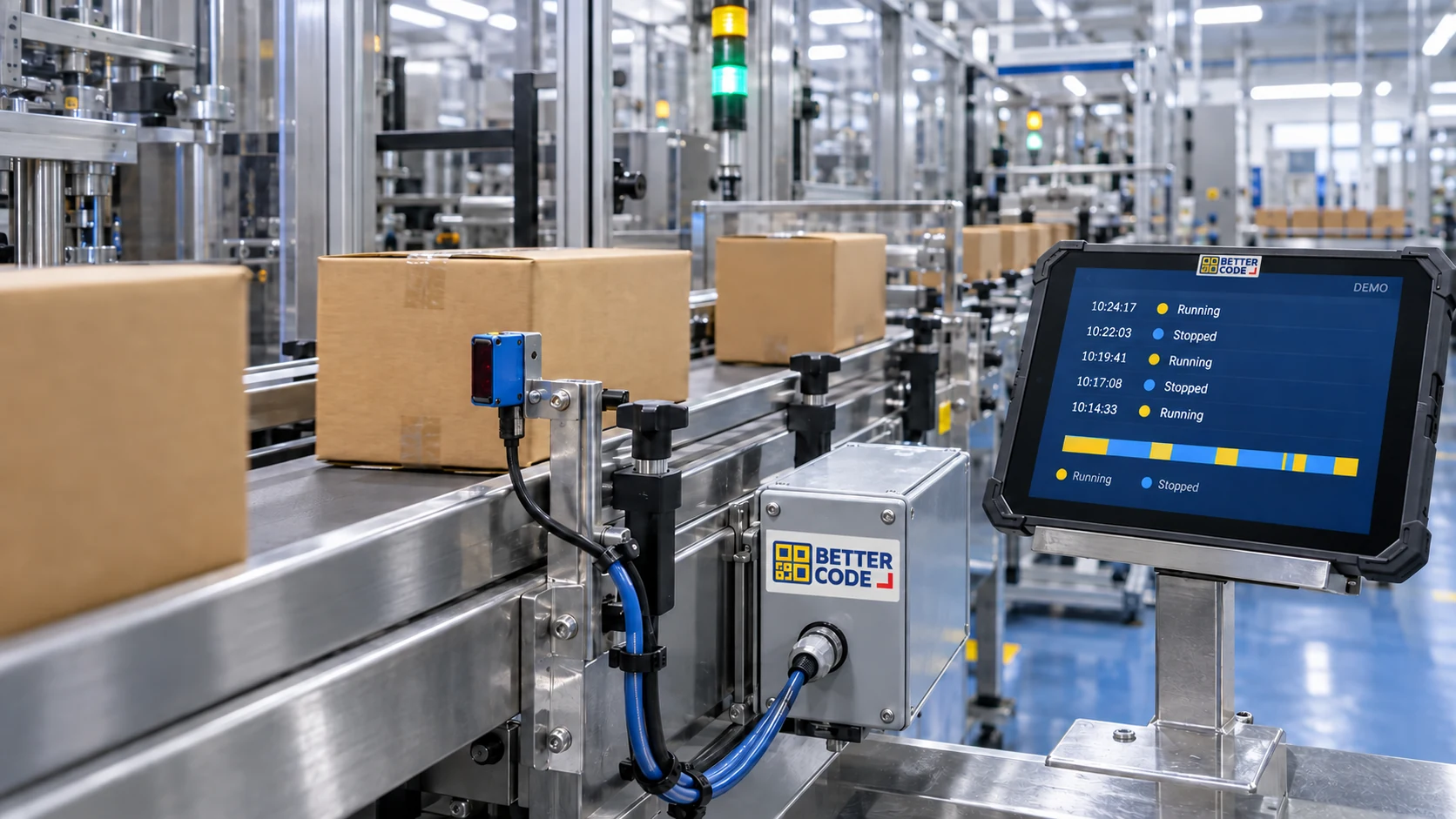
Where automation ends and software begins
Capture signals
Sensors, PLCs or acquisition devices record events at the selected points.
Make the data consistent
Software associates timestamps, machine IDs and production jobs, while checking for missing or duplicate records.
Review and act
Dashboards and reports help teams investigate, assign actions and check the outcome.
Show when data was last updated and flag unavailable data instead of leaving a normal-looking value on screen. Define the required update interval and acceptable delay before calling the system ‘real-time’.
An example: missed output does not automatically mean another machine is needed
Illustrative example, not a customer result: a packing line records 60 minutes of downtime in one shift. Confirmed reasons split this into 25 minutes waiting for material, 20 minutes changing products and 15 minutes of machine faults.
Output alone might suggest slow equipment. This breakdown instead suggests investigating material supply and changeover alongside maintenance. Compare results after changes under comparable operating conditions. A dashboard directs investigation; it does not establish root cause or increase production automatically.
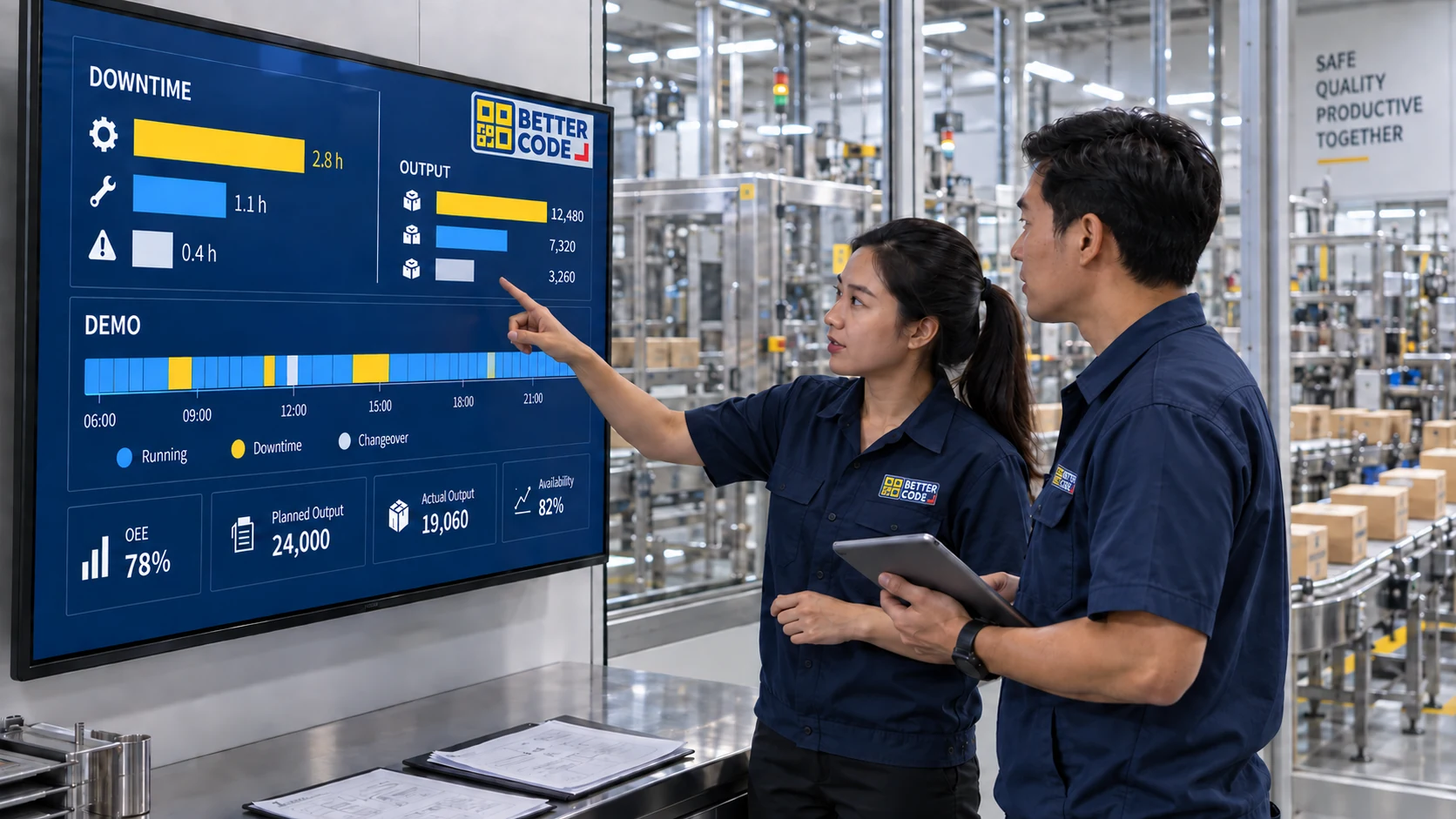
Does having a dashboard mean you can calculate OEE?
Not necessarily. OEE needs enough information for Availability, Performance and Quality: planned production time, actual run time, a reference production rate or cycle time, total output and good output, all using consistent definitions.
If only run/stop states and production counts are available, begin with status and downtime reporting. Do not display an apparently complete OEE figure when quality data or a suitable rate reference is missing.
How to start a pilot line with clear acceptance criteria
- Choose one problem: unexplained stops or slow shift reporting, for example.
- Survey the equipment: PLC models, counting points, network, permissions and report users.
- Design a practical view: current status, actual versus planned output, major stop reasons and last update time.
- Validate against the line: compare counts with observations and test shift changes, counter resets, signal loss and planned power-loss scenarios.
- Agree criteria before scaling: acceptable error, update delay, retention, editing permissions and backups.
Cost and timing depend on existing equipment, connection points, required data and other integrations. Assess the site before committing to scope and price.
Frequently asked questions
Must the entire factory be connected at once?
No. Start with a machine or line that has a clearly defined problem, validate the data and confirm that staff use it before expanding.
Can the system identify every reason for a stop automatically?
No. A stop state alone does not explain every cause. Machine fault codes or operator-selected and confirmed reasons may also be needed.
Is a cloud system required?
No. On-site, cloud or hybrid deployment can be assessed against network availability, data policies, maintenance and access requirements.
What should we send Better Code for an assessment?
Share equipment and nameplate photos, available PLC or interface details, a process video, sample reports, machine count and the problem to solve. Do not send system passwords.
Plan Software Pro 4.0 for your factory
Share your machine details and the reports your team needs. Better Code can assess the connections and scope for Software Pro 4.0 at your factory in Thailand.
Explore production software →