7 Common Industrial Date Coding Printer Problems (Clogged Nozzle, Poor Ink Adhesion, Skewed Print & High Make-Up Use): Troubleshooting & PM Checklist
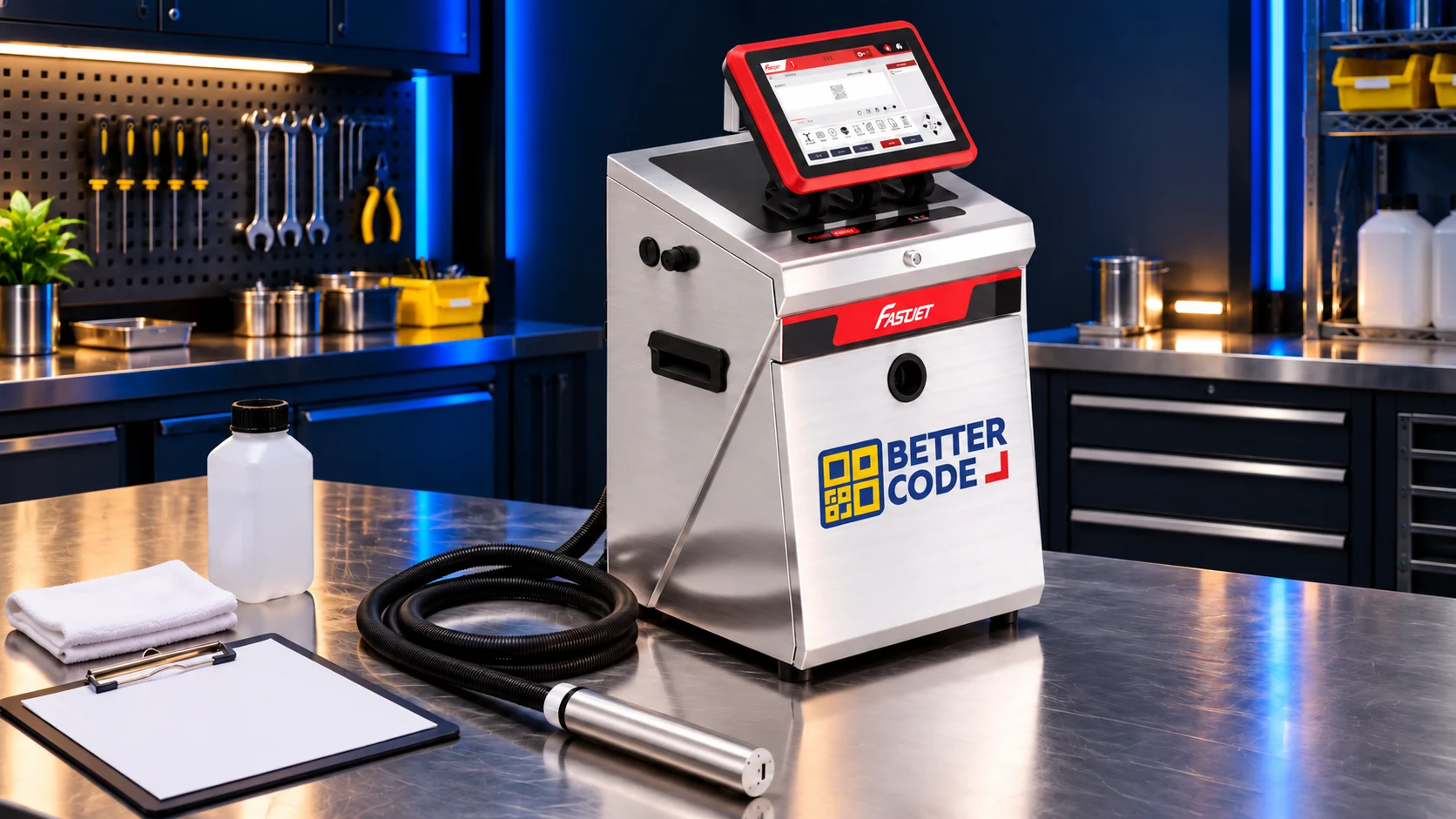
Date coding printers
Troubleshooting
& maintenance
Practical troubleshooting and preventive maintenance for industrial production.
Why Do Industrial Date Coding Printers Clog, Smear, or Skew—and How Do You Fix Them Fast?
Over 85% of industrial date coding printer problems—such as a clogged nozzle, ink rubbing off wet packaging, skewed text, or excessive make-up use—trace back to three root causes. These are dried ink buildup around the nozzle and gutter, mismatched ink chemistry, and overdue filter replacement.
Following a structured 4-tier Preventive Maintenance (PM) checklist with genuine inks, solvents, and wash fluids stops unplanned line stops. Plants can also eliminate repair stress through annual PM service or all-inclusive printer rental from Better Code Co., Ltd.
7 Industrial Date Coding Printer Problems: Root Cause, 5-Min Fix & Prevention Matrix
When a date coder fails on a live packaging line, guessing at pressure settings or poking the nozzle with wire causes expensive printhead damage. Our Better Code service engineering team compiled this diagnostic matrix covering the 7 most frequent plant coding problems:
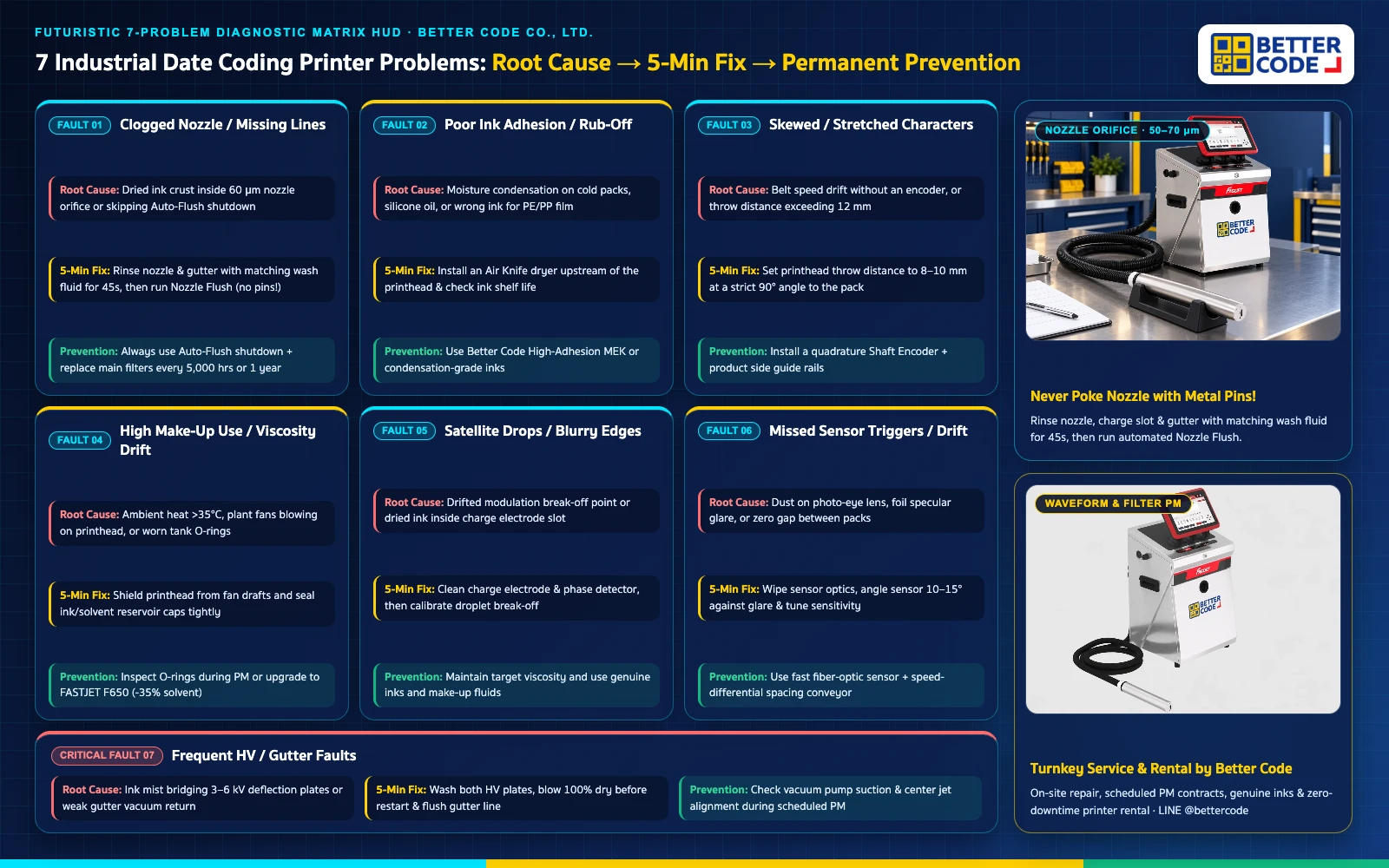
| Observed Printer Problem | Primary Engineering Root Cause | Safe 5-Minute Floor Fix | Permanent Prevention Strategy |
|---|---|---|---|
| 1. Clogged Nozzle / Missing Dot Lines | Dried ink crust inside the 60 μm nozzle orifice or powering off without Auto-Flush | Rinse nozzle & gutter with matching wash fluid for 45s, then run Nozzle Flush (never use pins) | Always shut down via Auto-Flush and replace main ink filters every 5,000 hours or 1 year |
| 2. Poor Ink Adhesion / Rub-Off | Moisture condensation on cold packs, silicone release oil, or wrong ink for PE/PP film | Wipe or install an Air Knife blow-dryer before the print zone and verify ink shelf life | Switch to High-Adhesion MEK or condensation-grade inks matched to your film |
| 3. Skewed / Stretched Characters | Conveyor speed drift without an encoder, or throw distance exceeding 12 mm | Set printhead throw distance to 8–10 mm at a strict 90° angle to the package | Install a quadrature Shaft Encoder and side guide rails to stabilize product travel |
| 4. High Make-Up Use / Viscosity Drift | Plant temperature above 35°C, cooling fans blowing on the head, or leaking tank O-rings | Shield the printhead from fan drafts and tighten ink/solvent reservoir caps | Inspect fluid O-rings during PM or upgrade to FASTJET F650 (saves up to 35% solvent) |
| 5. Satellite Drops / Blurry Edges | Out-of-range modulation break-off point or dried ink inside the charge electrode slot | Clean and dry the charge electrode and phase detector, then recalibrate break-off | Maintain proper ink viscosity and use genuine manufacturer inks and solvents |
| 6. Missed Sensor Triggers / Drift | Dust on photo-eye lens, glare from glossy foil, or zero pitch gap between packs | Wipe sensor lens, tune sensitivity potentiometer, and angle sensor 10–15° against glare | Use a fast fiber-optic sensor and speed-differential spacing conveyor |
| 7. Frequent HV / Gutter Fault Alarms | Ink mist bridging the High Voltage deflection plates or restricted gutter suction | Wash both HV plates, blow 100% dry with clean air, and flush the gutter return line | Check vacuum pump suction during scheduled Preventive Maintenance (PM) |
Deep Dive: How to Diagnose & Fix the 7 Most Common Date Coding Printer Faults
To help plant technicians recover production quickly without damaging delicate printhead assemblies, here is the step-by-step engineering breakdown for each of the 7 problems—including the safe nozzle cleaning protocol.
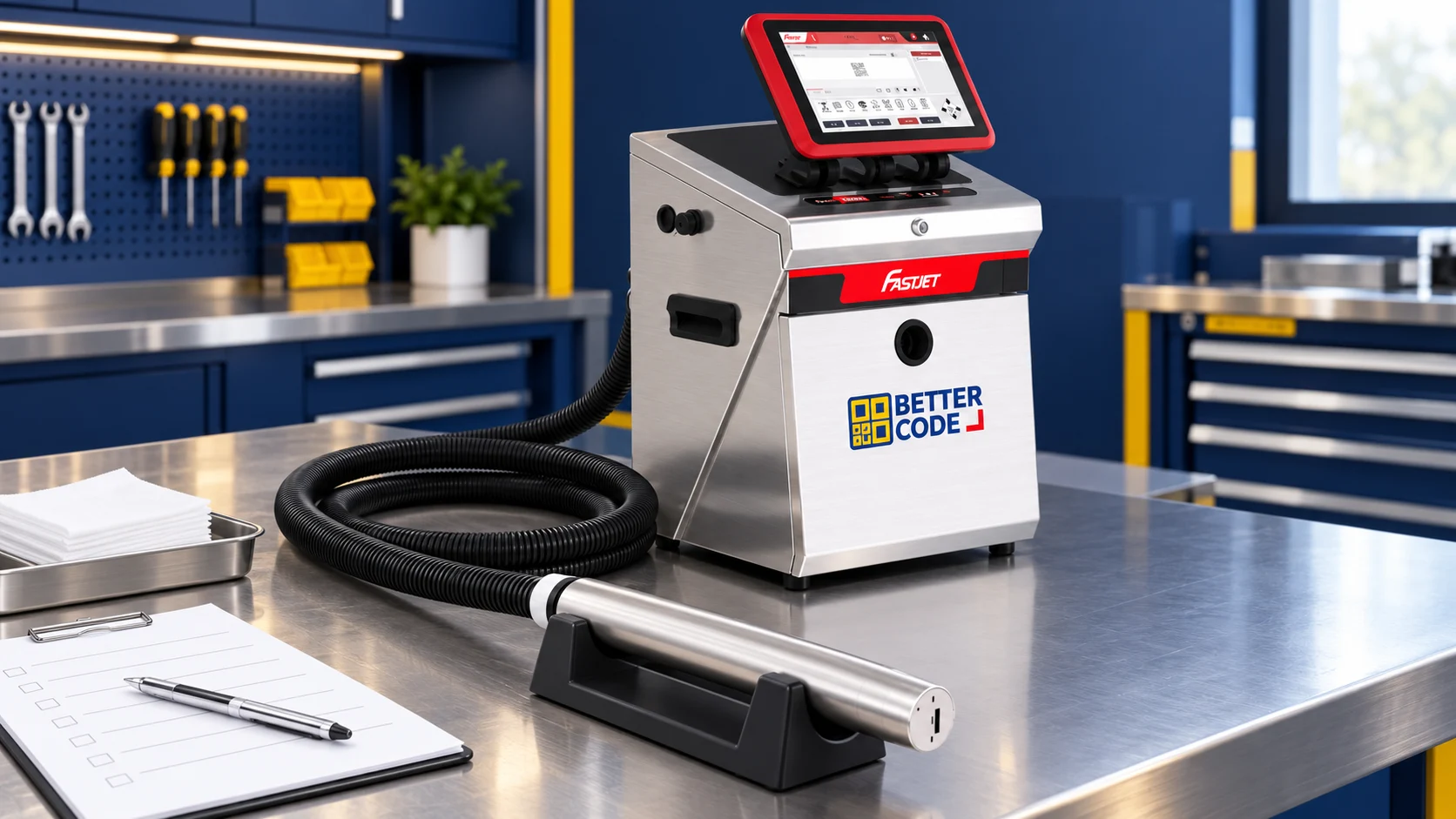
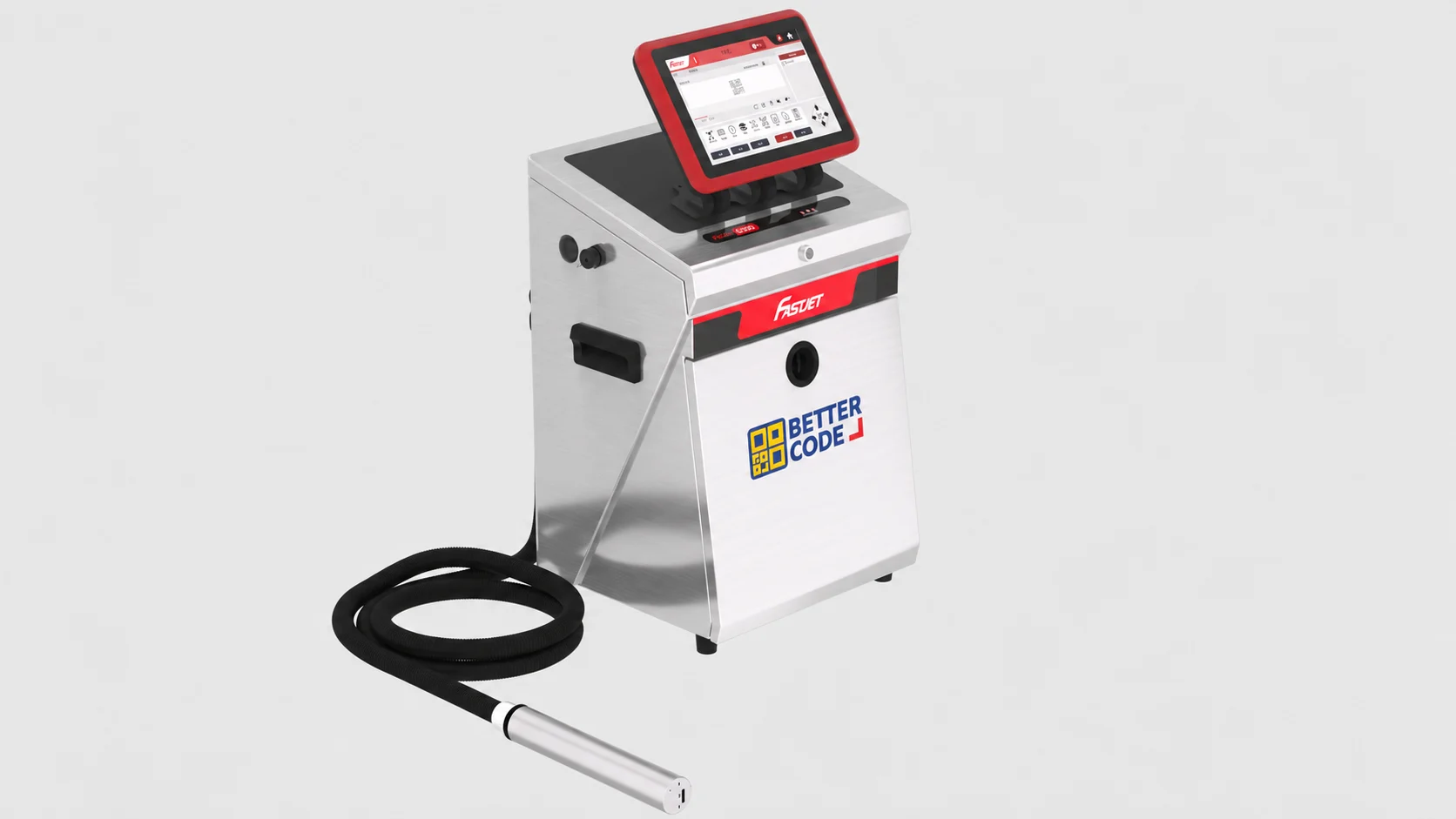
1. Clogged Nozzle Orifice & Safe Printhead Cleaning Protocol
A CIJ nozzle jewel orifice measures just 50 to 70 microns across. Switching off main power without running the automated flush cycle leaves resin behind that hardens inside the orifice.
Nozzle Flush. Never insert metal needles or wires.2. Ink Rubbing Off Cold Bottles, Pouches, or Slick Plastics
Standard general-purpose inks struggle to anchor onto low-surface-energy films (PE, PP, BOPP, retort foil) or cold beverage containers coated in condensation droplets.
3. Skewed, Stretched, or Compressed Characters
When conveyor load varies, belt speed fluctuates. If your date coder uses a fixed internal timer, characters stretch when the belt speeds up and bunch together when it slows down.
4. Excessive Make-Up Solvent Use & Viscosity Drift
High factory temperatures above 35°C or floor fans blowing directly across the printhead gap accelerate solvent evaporation in the circulating ink stream by up to 40%.
5. Satellite Droplets & Blurry Character Edges
Satellite drops appear when tiny tail droplets fail to merge with main drops inside the charge electrode due to incorrect ink viscosity or drifted piezoelectric modulation voltage.
6. Missed Photo-Eye Triggers or Double Printing
Glossy aluminum foil pouches, clear PET bottles, and abutting packages often cause false reflections or missed leading edges on standard photo sensors.
Trigger Debounce / Filter Delay in the printer menu.7. Recurring High Voltage (HV) & Gutter Fault Shutdowns
Nothing disrupts OEE faster than an HV Fault or Gutter Fault every 20 minutes. Ink mist bridging the 3,000–6,000V deflection plates causes electrical leakage, while partially blocked filters starve gutter vacuum return.
4-Tier Preventive Maintenance (PM) Checklist: Cut Emergency Breakdowns by 90%
Effective date coder maintenance is proactive, not reactive. Dividing Preventive Maintenance into 4 clear tiers keeps nozzles clean, stabilizes ink viscosity, and extends pump life:
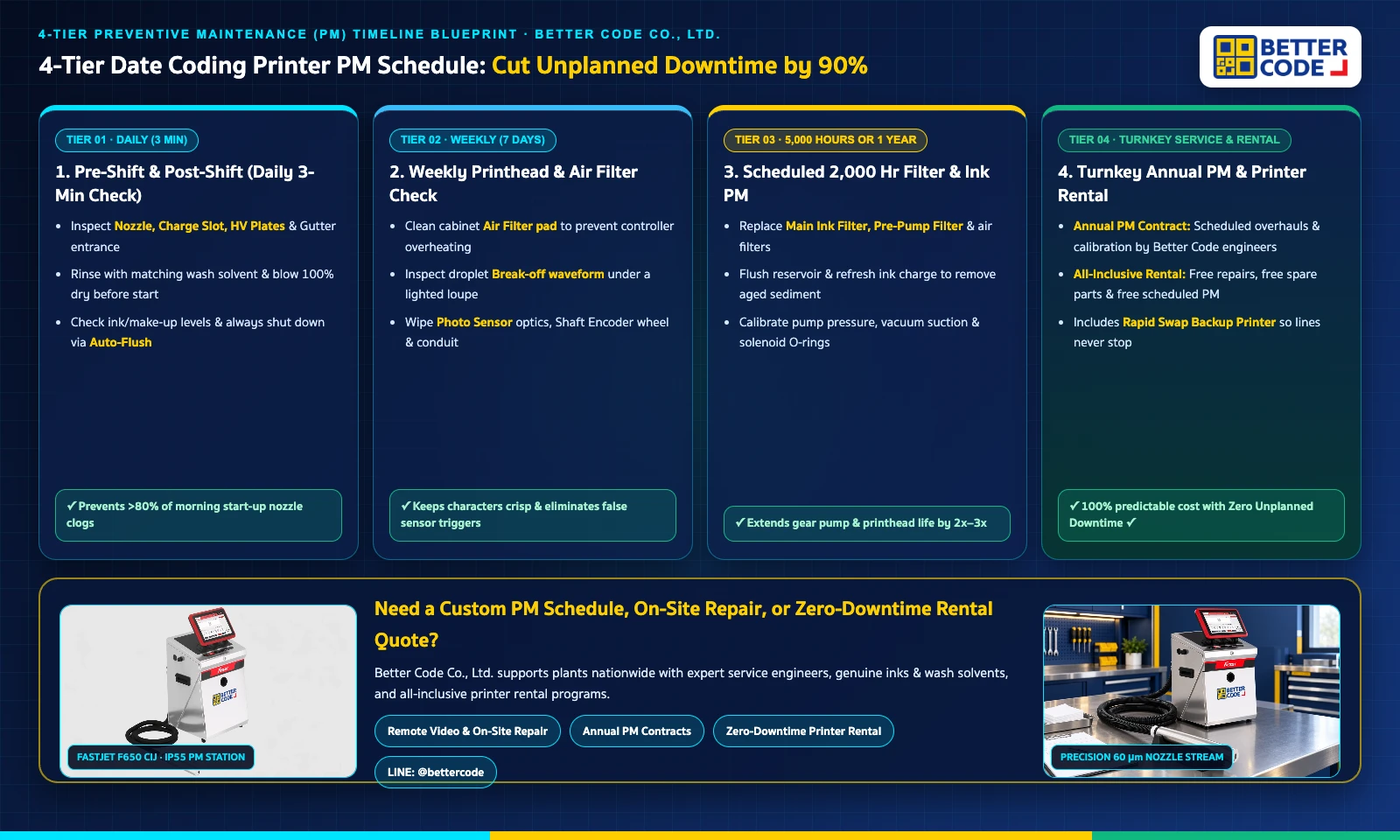
Tier 1: Pre-Shift & Post-Shift Check (3 Minutes Daily)
- Open the printhead cover and inspect the nozzle plate, charge electrode, HV plates, and gutter tube.
- Rinse away any ink buildup using matching wash solvent and blow dry completely before starting the jet.
- Check ink and make-up solvent levels so tanks never run dry mid-shift.
- Always shut down using the Stop / Auto-Flush button and wait for completion before cutting power.
Tier 2: Weekly Inspection (Every 7 Days)
- Remove the cabinet air filter pad, blow out dust or starch buildup, and reinstall dry to prevent overheating.
- Use an inspection loupe to verify clean droplet break-off inside the charge electrode and centered gutter entry.
- Wipe the product photo sensor lens, shaft encoder wheel, and printhead umbilical conduit.
Tier 3: Scheduled 5,000 Hour or 1 year Filter & Ink Refresh
- Replace the main ink filter, pre-pump filter, damper filter, and air filter elements.
- Drain and refresh the ink reservoir to flush out aged pigment sediment and micro-debris.
- Calibrate pump pressure, vacuum gutter suction, modulation waveform, and solenoid valve O-rings.
Tier 4: Offload Technician Burden with Better Code PM & Rental
- Annual PM & Service Contracts: Better Code Co., Ltd. engineers perform scheduled filter overhauls, calibration, and emergency repairs at your plant.
- All-Inclusive Printer Rental: Zero repair bills, free spare parts, free scheduled PM, and fast backup printer replacement if a unit ever fails.
Quick Plant Buyer Guide in Plain Terms: Repair vs. Annual PM vs. Printer Rental
Should you fix an old date coder, sign an annual PM contract, or rent a new printer? Here is a simple, plain-language guide to help plant managers and buyers choose the most cost-effective path (see our full breakdown in Rent vs. Buy Date Coding Printer):
Pick this option if your printer is under 3 years old and runs one shift per day. Your team handles daily 3-minute nozzle checks using genuine inks and wash fluids, and calls Better Code at 5,000-hour or 1-year filter intervals.
Pick this option if your factory owns 2 or more printers and runs busy daily schedules. Better Code service engineers visit on schedule to replace filters, flush ink tanks, and calibrate droplet break-off before faults happen.
Pick this option if your existing coder breaks down often or your line runs 24/7. Better Code printer rental gives you a modern printer with free repairs, free spare parts, scheduled PM, and a fast backup unit.
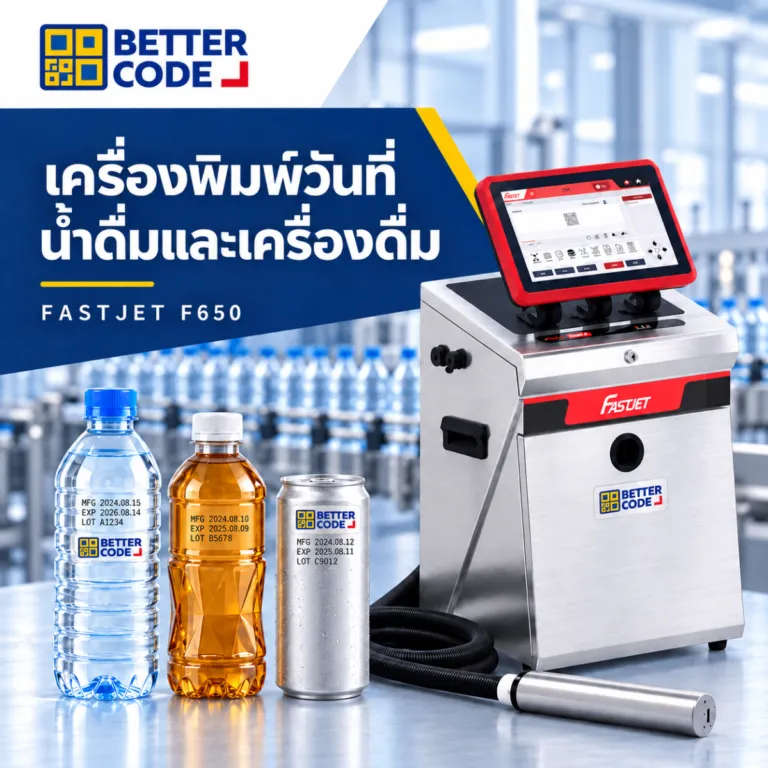
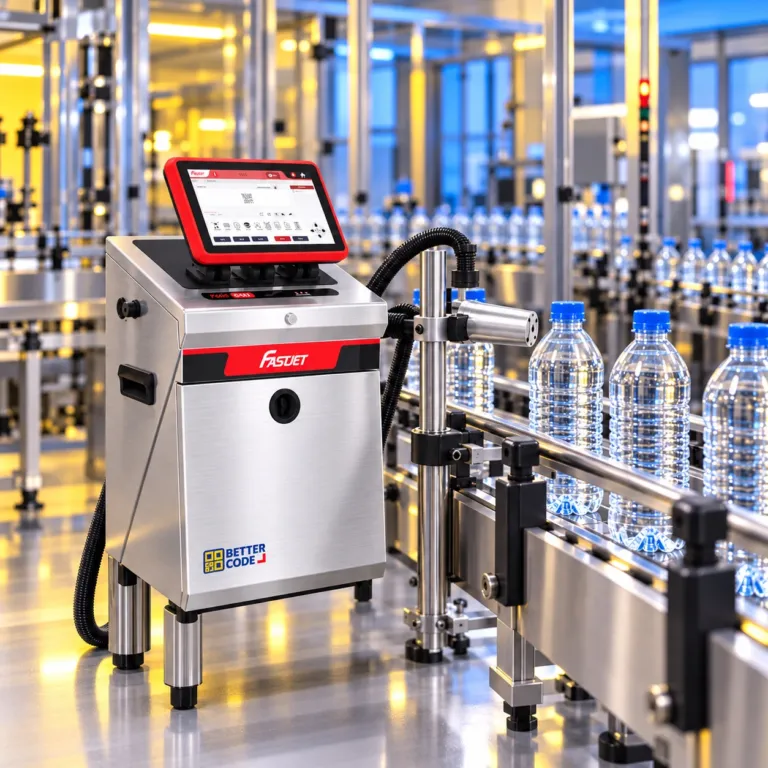
If your team wants less maintenance, upgrade to a FASTJET F650 CIJ coder with auto-flush nozzle cleaning, or switch to a cartridge-based TIJ printer where every new cartridge gives you a brand-new printhead.
Frequently Asked Questions: Date Coding Printer Troubleshooting & Preventive Maintenance (FAQ)
How do we clear a clogged date coder nozzle without damaging the printhead?
Never poke a metal pin, wire, or stiff brush into a 50–70 micron CIJ nozzle orifice. Spray the matching wash solvent onto the nozzle plate, charge electrode, deflection plates, and gutter tube. Let the dried ink dissolve for 30 to 60 seconds, then run the automated Nozzle Flush or Backflush cycle from the screen. For TIJ cartridges, gently wipe the nozzle strip in one direction using a lint-free wipe dampened with isopropyl alcohol.
Why does date coder ink rub off or smear on cold bottles and laminated pouches?
Poor ink adhesion usually happens for two reasons. First, moisture condensation or silicone mold-release oil sits on the package surface and blocks the ink from bonding; installing an Air Knife dryer ahead of the printhead solves this. Second, low-surface-energy plastics like PE, PP, or retort pouches require specialized high-adhesion MEK or condensation-grade inks supplied by Better Code Co., Ltd.
What causes skewed, stretched, or compressed date codes on a moving conveyor?
Stretched or compressed text occurs when conveyor speed fluctuates while the printer runs on a fixed internal clock. Installing a quadrature Shaft Encoder locks drop ejection directly to real belt speed. Skewed or tall/short characters happen when the printhead is not mounted at a 90-degree angle or when the throw distance exceeds 10–12 mm.
Why is our CIJ printer consuming make-up solvent much faster than normal?
Make-up solvent evaporates faster when ambient plant temperatures exceed 35°C, when cooling fans blow directly across the open printhead gap, or when tank O-rings and solenoid valves leak. Keeping the printhead cover sealed, routing plant fans away from the gutter, and upgrading to a modern FASTJET F650 with solvent-recovery condensers cuts solvent use by up to 35%.
How often should we perform Preventive Maintenance (PM) and replace ink filters?
Operators should inspect and rinse the nozzle and gutter daily (3 minutes per shift) and clean the cabinet air filter weekly. Full Preventive Maintenance—replacing the main ink filter, pre-pump filter, and air filter while refreshing the ink reservoir—should take place every 5,000 operating hours or 1 year.
Does Better Code Co., Ltd. provide emergency repair, PM contracts, and backup rental printers?
Yes. Better Code Co., Ltd. supports manufacturers across Thailand with immediate remote video diagnostics, on-site repair, scheduled annual PM contracts, and all-inclusive industrial printer rental programs that include free spare parts, preventive servicing, and rapid swap-in backup printers.
Struggling with Nozzle Clogs, Poor Ink Adhesion, or Printer Faults? Get Free Engineering Diagnostics from Better Code Co., Ltd.
Whether your plant needs on-site printer repair and annual PM service, genuine inks, make-up solvents, and wash fluids, zero-downtime printer rental with backup units, or new FASTJET CIJ and TIJ coders, Better Code Co., Ltd. is ready to help.
Explore Repair & PM Service ↗Explore Printer Rental Plans ↗Order Inks, Make-Up & Wash Fluids ↗Request a Quote / Free Consultation ↗Engineering References & Preventive Maintenance Standards
- Preventive Maintenance Standard Operating Procedures (SOP) for CIJ and TIJ industrial coding systems (nozzle flushing, viscosity control, HV plate insulation, and 5,000-hour or 1-year filter replacement): Service Engineering Division, Better Code Co., Ltd.
- Industrial ink adhesion testing protocols on low-surface-energy polyolefins (PE/PP), condensation management via Air Knife drying, and quadrature shaft encoder synchronization for FASTJET coding printers.