BETTER CODE · INDUSTRIAL CODING KNOWLEDGE
PET Bottle Date Codes Smudging or Fading? What to Check
Check bottle moisture, ink compatibility, printhead position and downstream rubbing before increasing print density or replacing the printer. Different symptoms can have different causes.
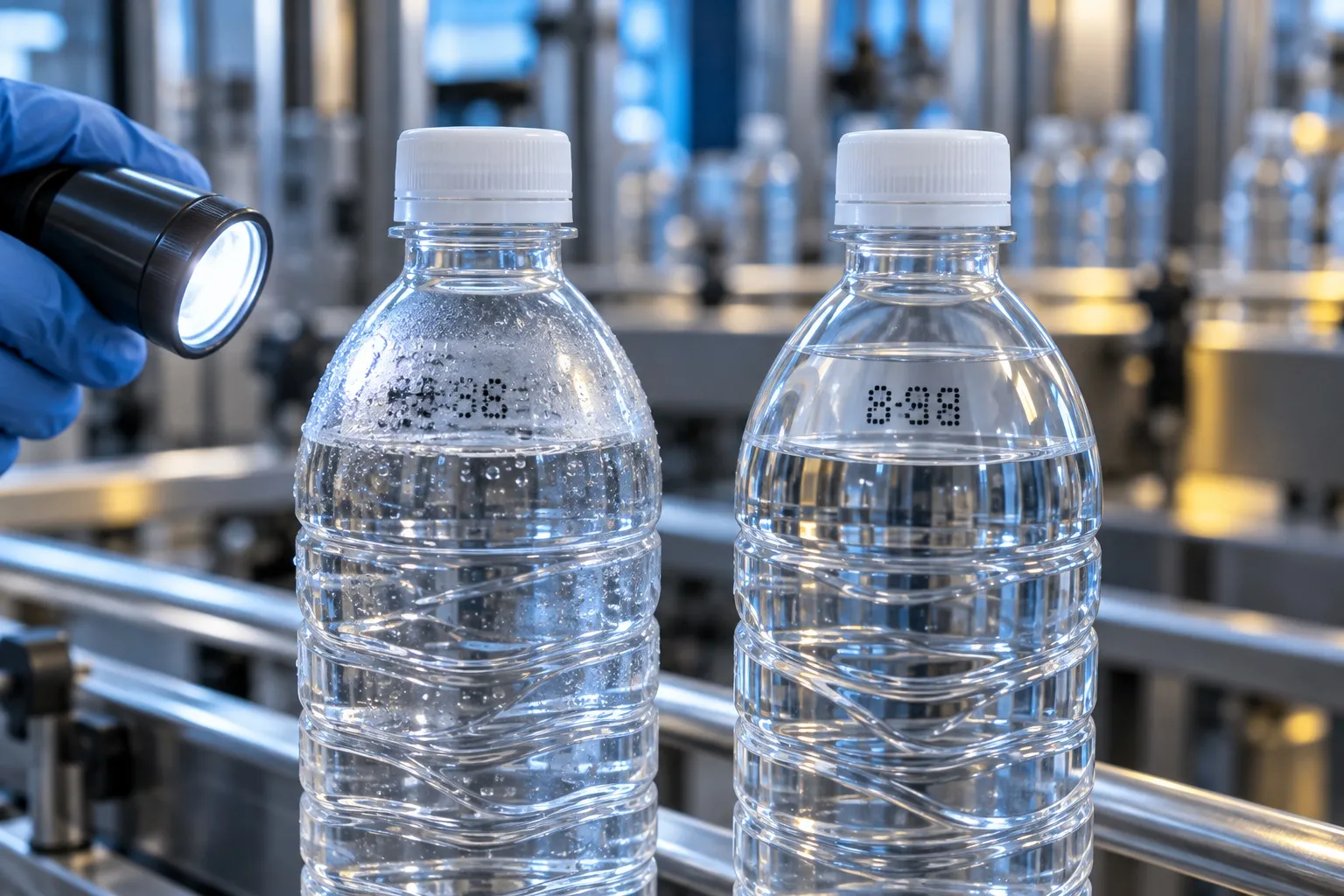
Identify when the problem occurs
Separate poor initial formation from ink that looks acceptable at first but rubs off later. Record the bottle condition, ink reference, printer model, speed and the point at which the defect appears.
Check condensation and surface condition
A filled or chilled bottle may carry moisture at the printing position. Assess a drier position or appropriate surface preparation where needed. Any air treatment must be assessed without destabilising bottles or disrupting the line.
Confirm the ink formulation
The phrase ‘plastic ink’ is not specific enough. PET colour, additives, coatings and post-filling conditions can differ. Ask the supplier to confirm compatibility with the printer and test the actual bottle surface.
Control distance and movement
Curvature, bottle wobble and changes in printhead gap can affect character formation. Check mounting, sensor timing, product guidance and the approved operating settings rather than adjusting several variables at once.
Test downstream handling
Allow for drying time and inspect contact with guides, neighbouring bottles, shrink wrap and packing equipment. Recheck the code after the actual storage and transport conditions. Record a repeatable acceptance test for clarity and adhesion.
When should laser be compared?
CO₂ laser may offer an ink-free option for suitable PET bottles, but material compatibility, mark visibility, packaging integrity and speed still need sample trials.
Frequently asked questions
Will more ink always improve adhesion?
No. It may not address moisture, incompatibility or downstream rubbing. Identify the cause first.
What should I send to Better Code?
Send clear defect photos, actual bottles, the ink reference, printer model, line speed and the conditions before and after printing.